Standard
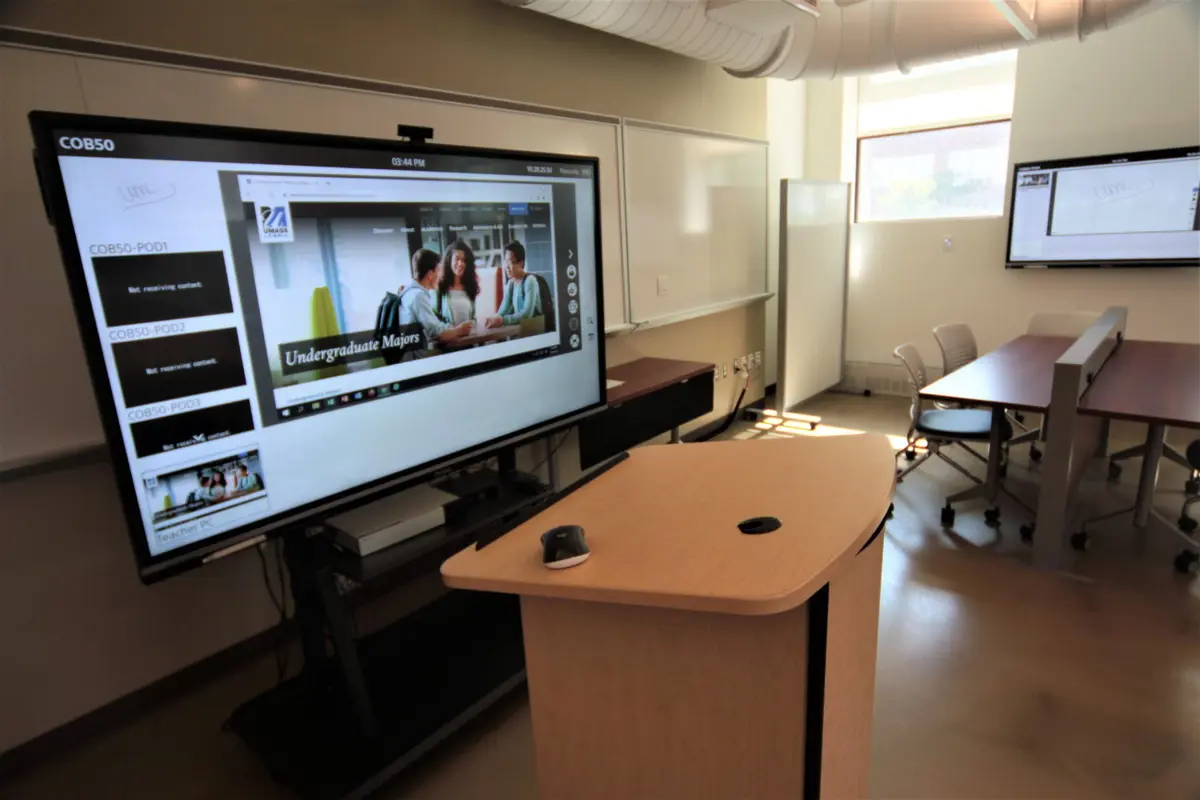
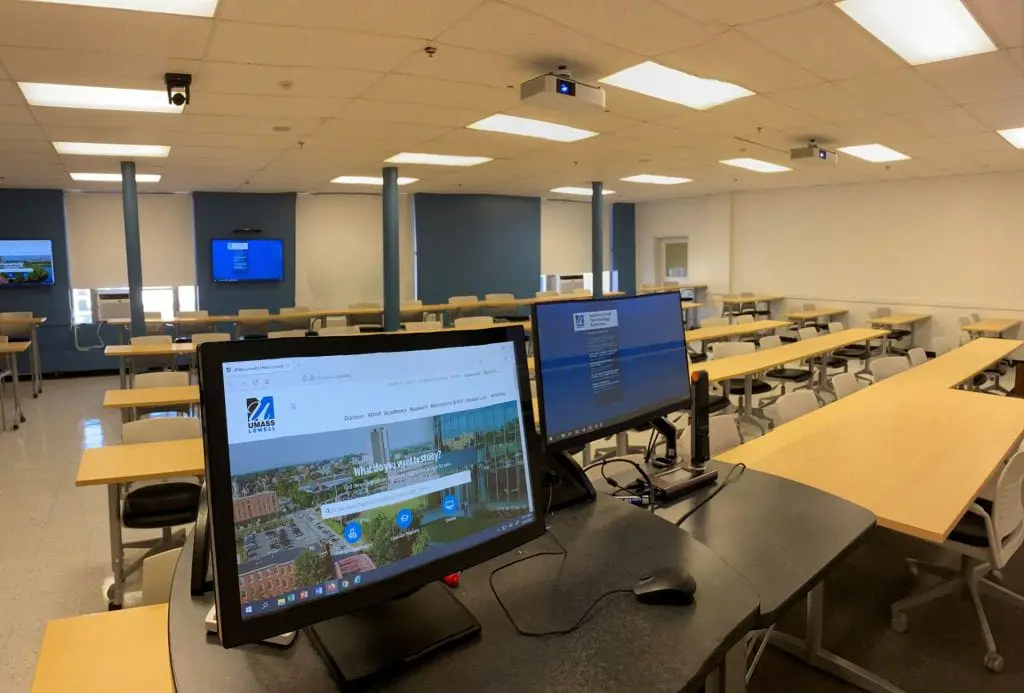
All standard classrooms are equipped with projectors and podium computers, enhancing teaching and learning experiences.
Teaching Podium
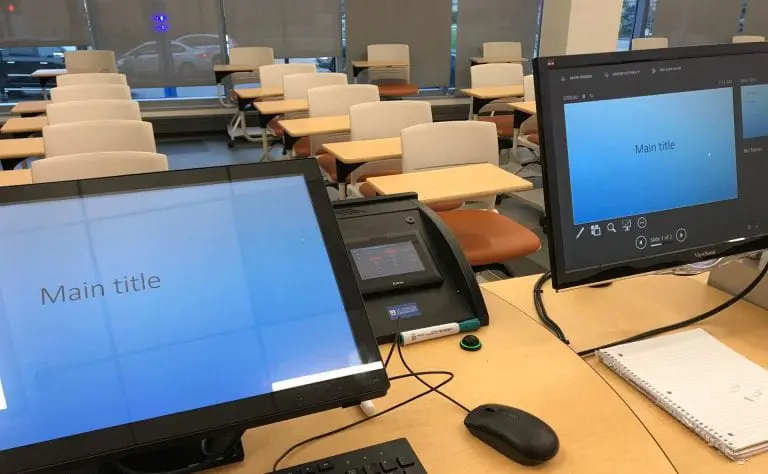
Each classroom has a teaching podium that houses all the remaining equipment listed below. It also has controls for switching which device is displayed on the projector or large-screen monitor as well as the audio controls for the room.

In-room Computer
Most classrooms have an in-room computer equipped with the standard applications (Microsoft Word, Excel and more...) for your class. Specialized applications can be added per request. Please inquire for more information.
Document Camera
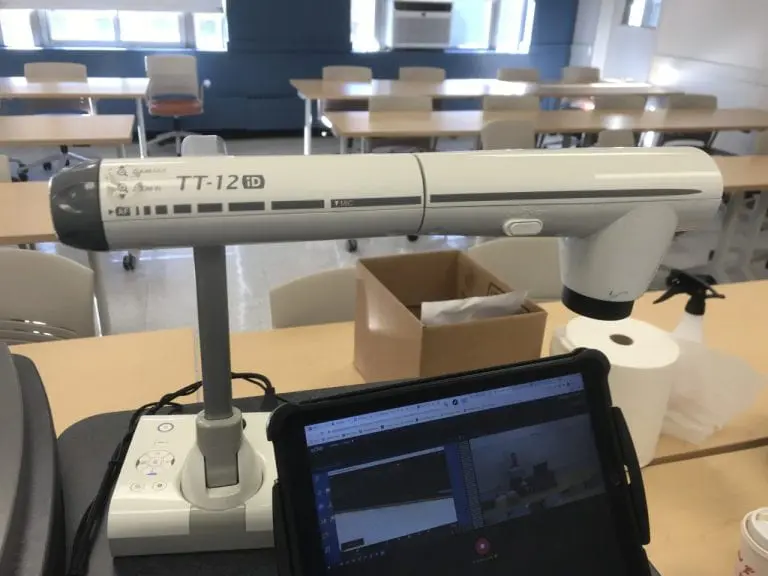
A document camera (doc cam) allows printed materials to be projected or you can use paper to write on your “board” so that written materials are projected. A doc cam camera can zoom in and out, change positioning of the camera and automatically focus as well. See the Using Your Elmo Document Camera with Echo360 Universal Capture knowledge article for more information.
Audio Support
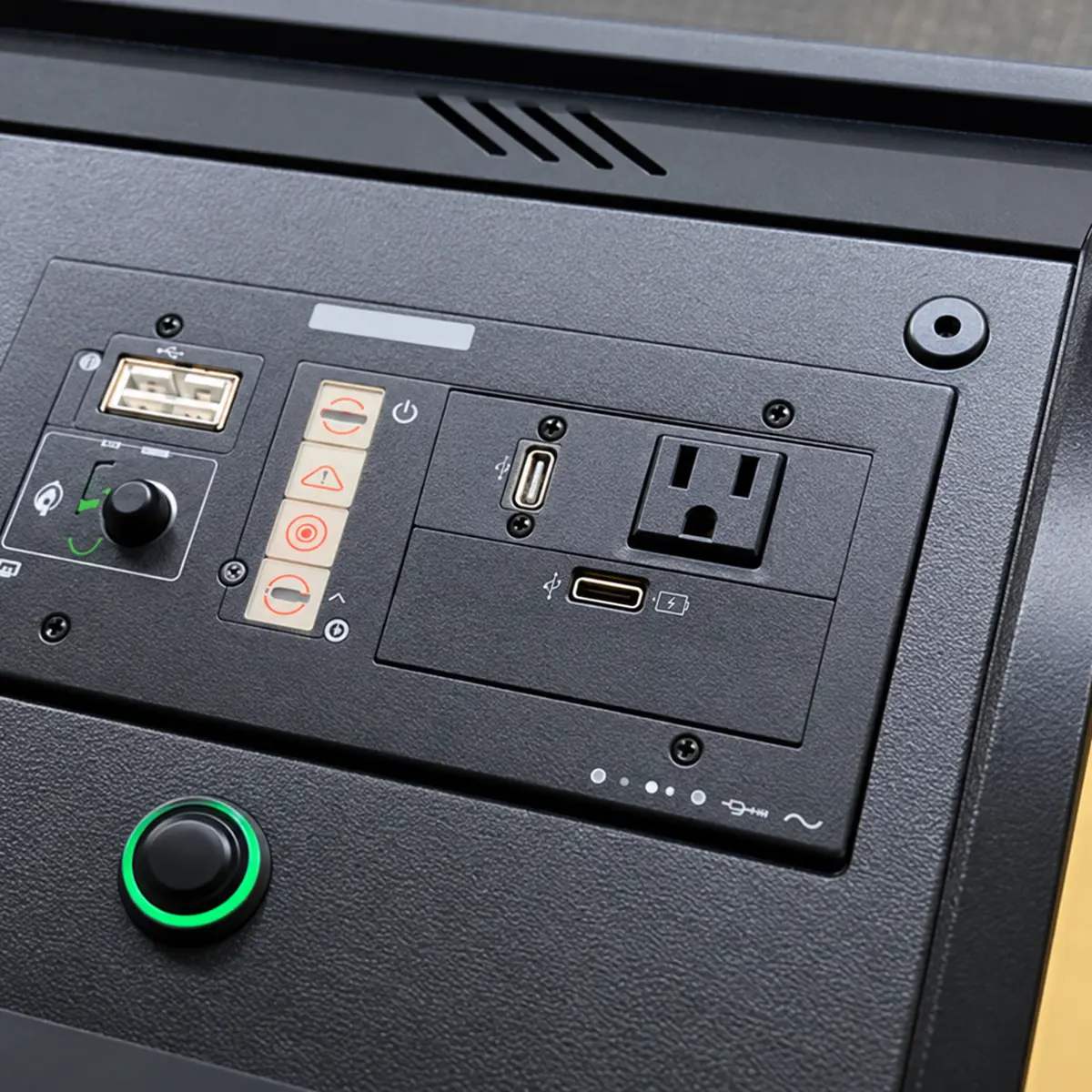
All classrooms have controls on the teaching podium that raise or lower the audio volume in-room playback. Some classrooms have wired or wireless microphones that can also support the instructor.
Lecture Capture
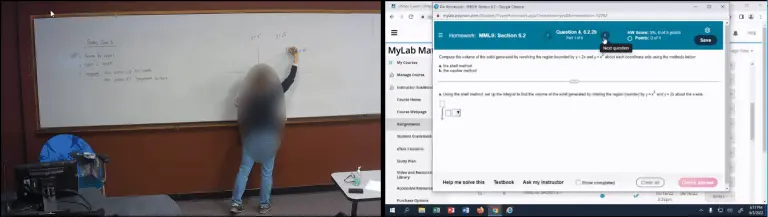
Each classroom can record whatever is displayed simultaneously recording with a video camera mounted in the room. The cameras can be positioned to also capture what is written on a whiteboard in the classroom. Please see the Lecture Capture knowledge article for more detailed information.
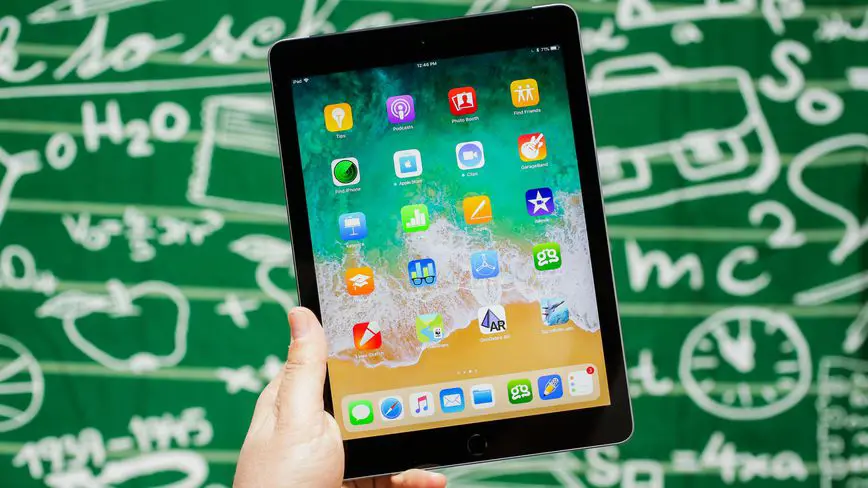 Image by Getty Images
 Connections to Other External Devices
There are cables to connect a laptop or other external device. Most classrooms use a HDMI connection for these devices. Selections for changing the input display are made via the control Extron panel.
All classrooms also can wirelessly connect an iPad or similar device to the in-room projection, allowing for free movement around the classroom.
Some classrooms and most conference rooms utilize Airtame, enabling a laptop to wirelessly connect to the display. Please see the Airtame knowledge article for more information.
Note: Currently, Airtame does not function with iPad.