Stay Cyber Safe This Holiday

  • Watch out for holiday-themed phishing: shopping, package deliveries, e-cards, charity requests
  • Shop on reputable websites; avoid unknown sellers and too-good-to-be-true deals
  • Don’t shop on unsecured public wi-fi
  • Use payment methods like credit cards that allow charges to be disputed and provide some protection if you are scammed
  • Check bank and credit card statements and report any suspicious activity
Hawki slide for info security

Business Email Compromise (BEC)

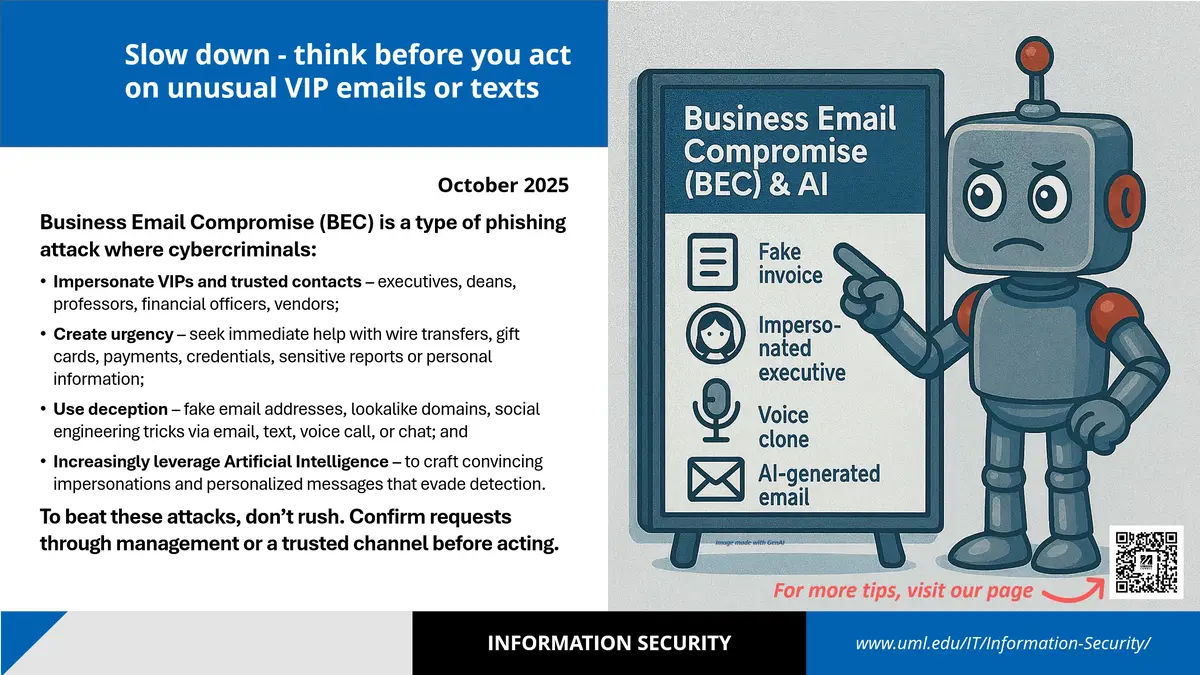
Slow down - think before you act on unusual VIP emails or texts

Business Email Compromise (BEC) is a type of phishing attack where cybercriminals:

Impersonate VIPs and trusted contacts – executives, deans, professors, financial officers, vendors; 

Create urgency – seek immediate help with wire transfers, gift cards, payments, credentials, sensitive reports or personal information;  

Use deception – fake email addresses, lookalike domains, social engineering tricks via email, text, voice call, or chat; and 

Increasingly leverage Artificial Intelligence – to craft convincing impersonations and personalized messages that evade detection.
To beat these attacks, don’t rush. Confirm requests through management or a trusted channel before acting. 


Business email compromise slide with detailed information regarding identifying common scam techniques.

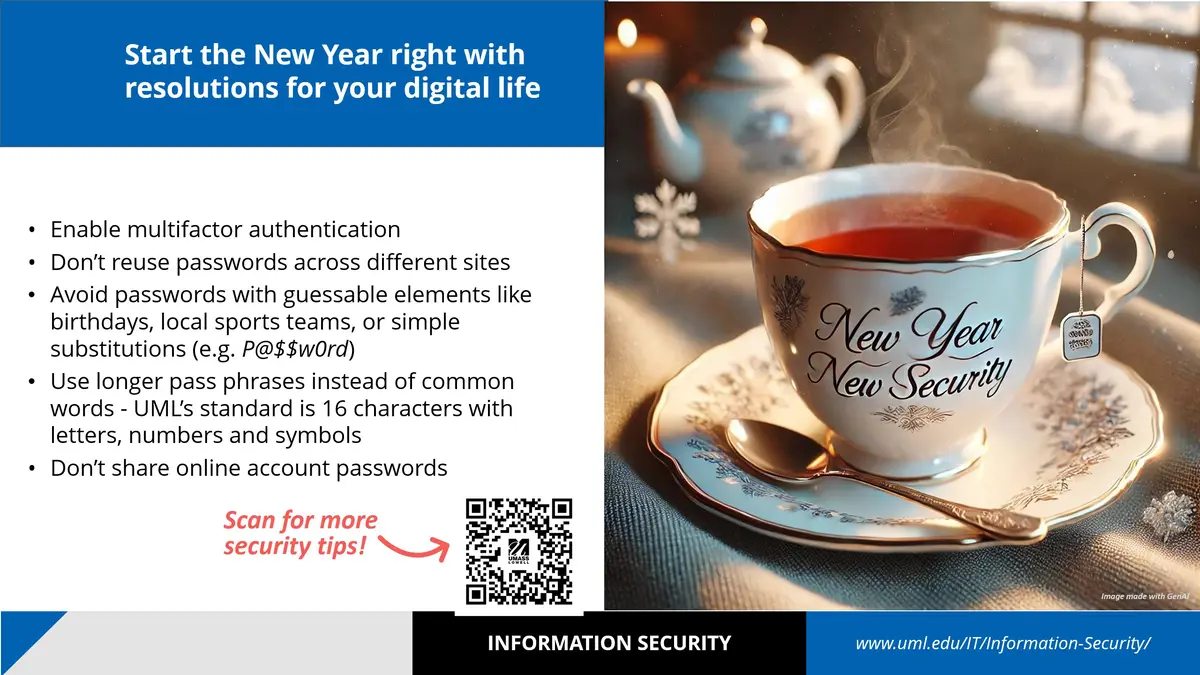
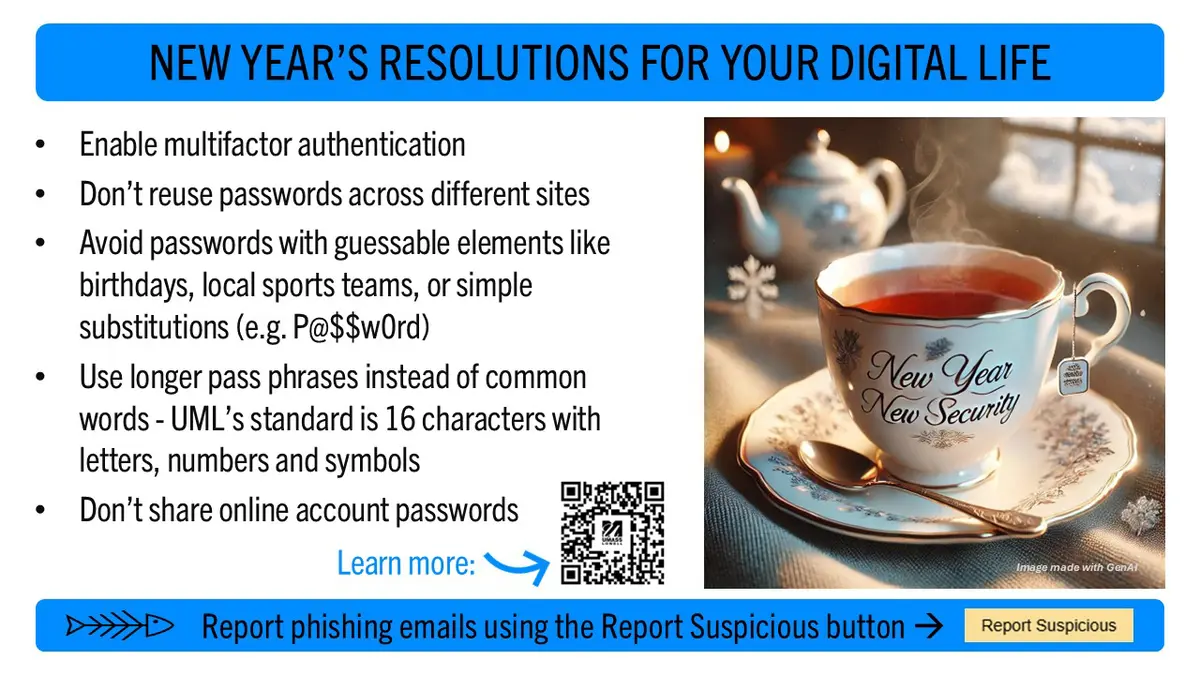
Start the New Year right with resolutions for your digital life

  • Enable multifactor authentication
  • Don’t reuse passwords across different sites
  • Avoid passwords with guessable elements like birthdays, local sports teams, or simple substitutions (e.g. P@$$w0rd)
  • Use longer pass phrases instead of common words - UML’s standard is 16 characters with letters, numbers and symbols
  • Don’t share online account passwords
Slide with information on initiating best practices for digital security.

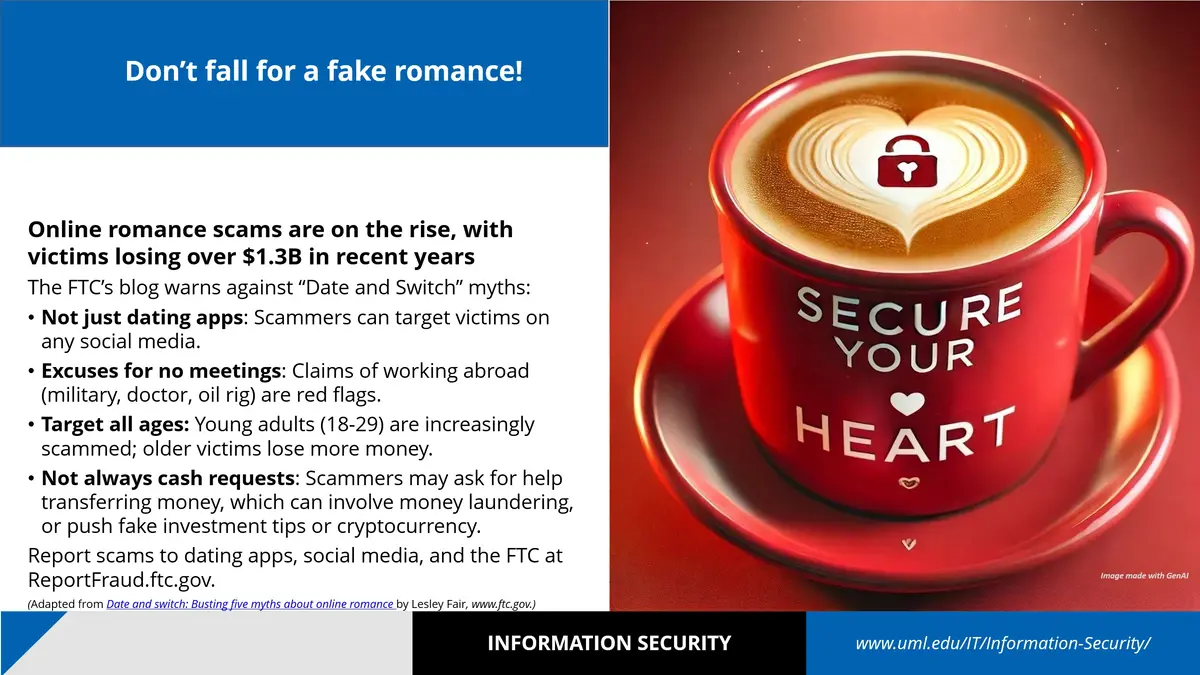
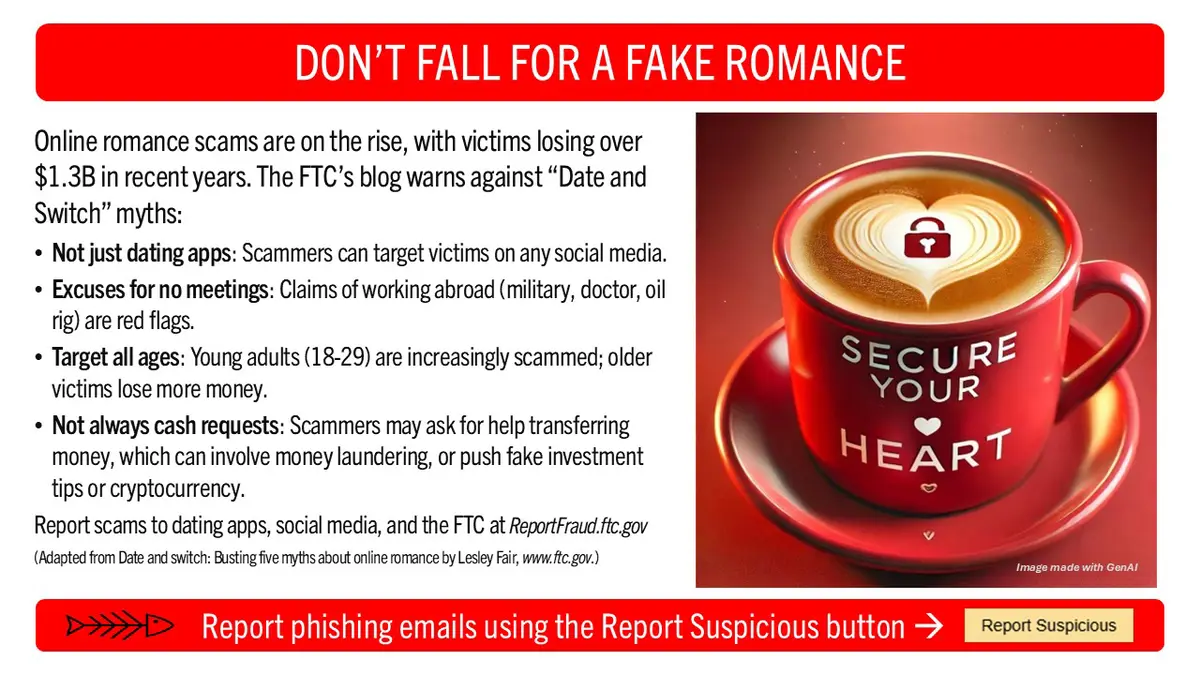
Don’t fall for a fake romance!

Online romance scams are on the rise, with victims losing over $1.3B in recent years

The FTC’s blog warns against “Date and Switch” myths:

  • Not just dating apps: Scammers can target victims on any social media.
  • Excuses for no meetings: Claims of working abroad (military, doctor, oil rig) are red flags.
  • Target all ages: Young adults (18-29) are increasingly scammed; older victims lose more money.
  • Not always cash requests: Scammers may ask for help transferring money, which can involve money laundering, or push fake investment tips or cryptocurrency.

Report scams to dating apps, social media and the Federal Trade Commission (FTC) at the FTC's Report Frausd website.

Slide with information on how to avoid common scams involving romance.

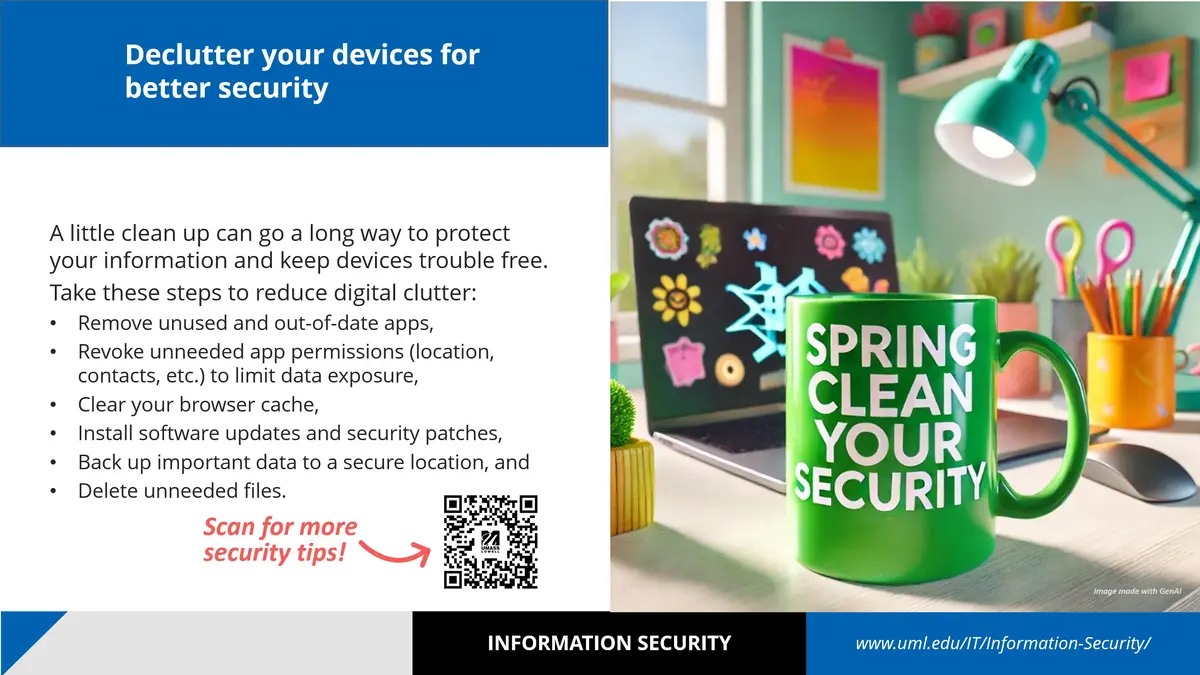
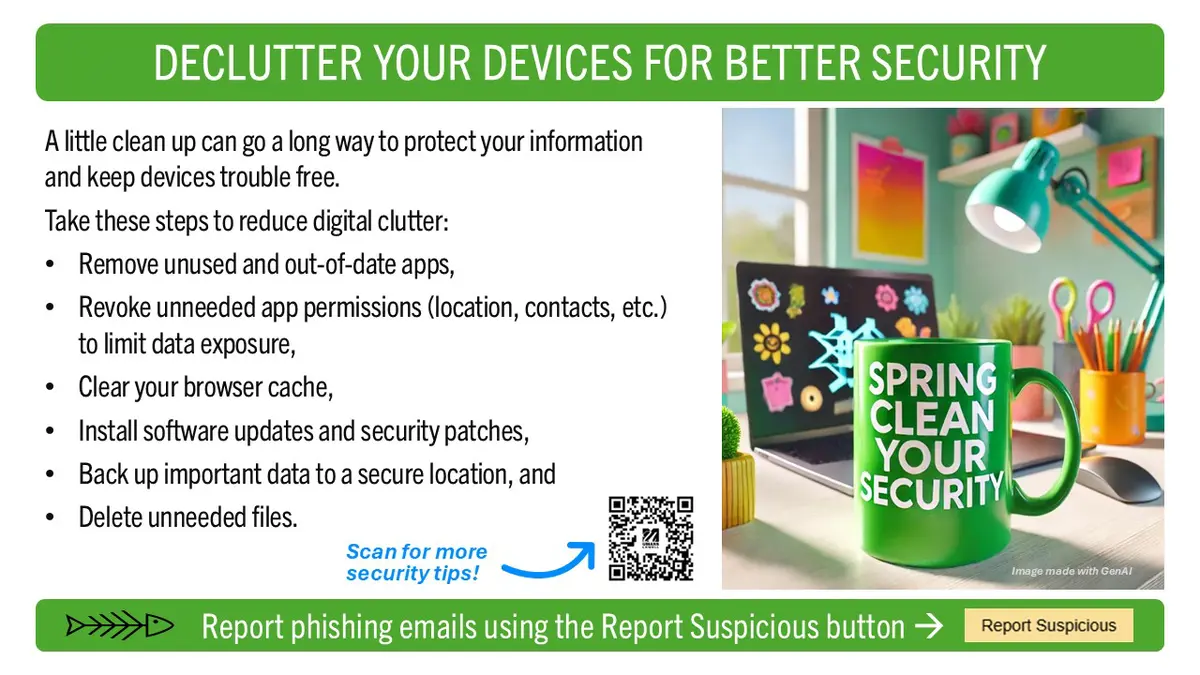
Declutter your devices for better security

A little clean up can go a long way to protect your information and keep devices trouble free. 

Take these steps to reduce digital clutter:

  • Remove unused and out-of-date apps
  • Revoke unneeded app permissions (location, contacts, etc.) to limit data exposure
  • Clear your browser cache
  • Install software updates and security patches
  • Back up important data to a secure location
  • Delete unneeded files
Slide with information on how to clean up and declutter digital devices.

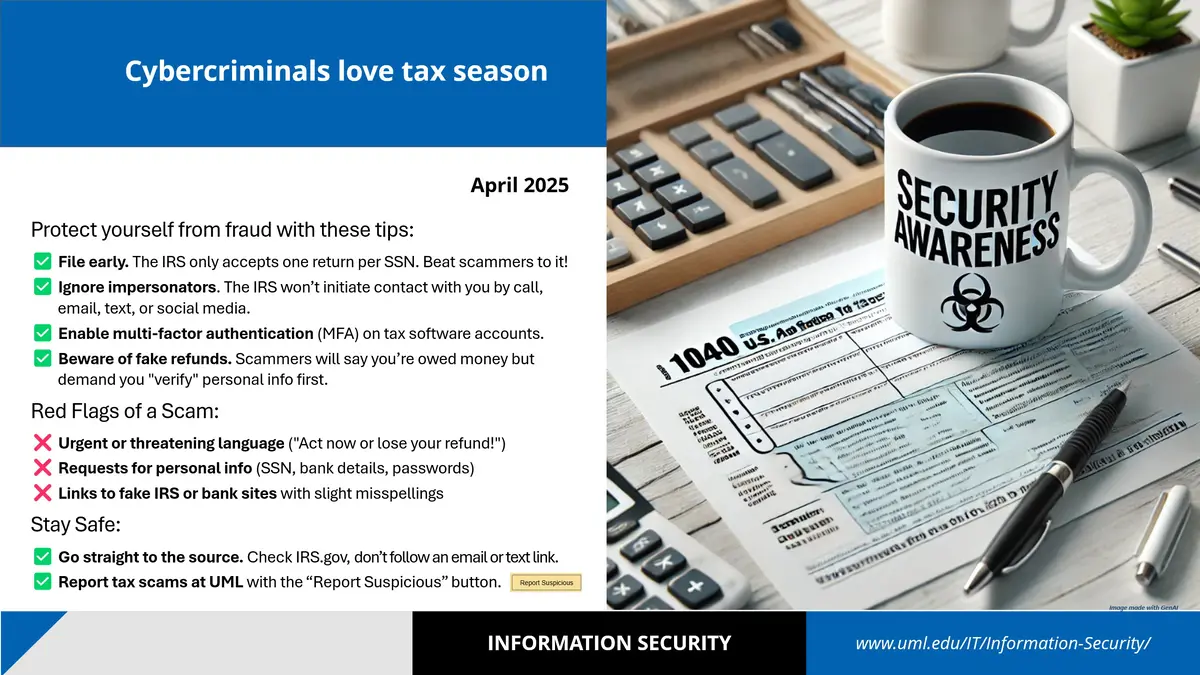
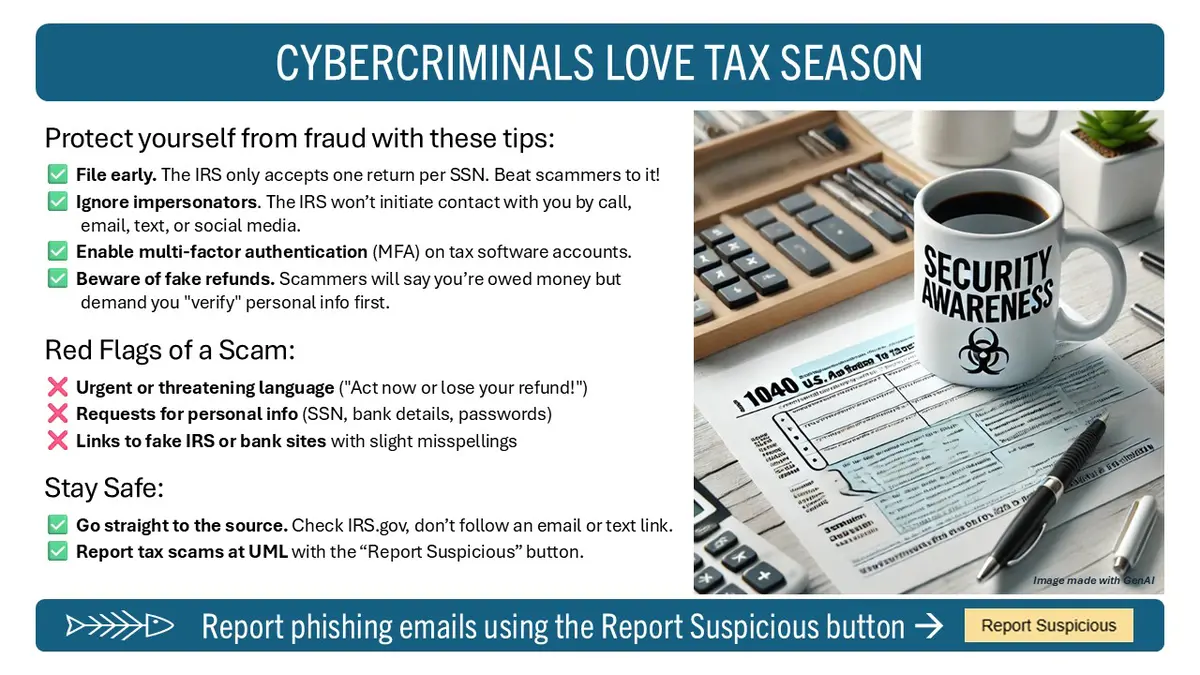
Cybercriminals love tax season

Protect yourself from fraud with these tips:

  • File early. The IRS only accepts one return per SSN. Beat scammers to it!
  • Ignore impersonators. The IRS won’t initiate contact with you by call, email, text, or social media.
  • Enable multi-factor authentication (MFA) on tax software accounts.
  • Beware of fake refunds. Scammers will say you’re owed money but demand you "verify" personal info first.

Red Flags of a Scam:

  • Urgent or threatening language ("Act now or lose your refund!")
  • Requests for personal info (SSN, bank details, passwords)
  • Links to fake IRS or bank sites with slight misspellings

Stay Safe:

  • Go straight to the source. Check IRS.gov, don’t follow an email or text link.
  • Report tax scams at UML with the “Report Suspicious” button.  


Slide with information on avoiding common tax scams.

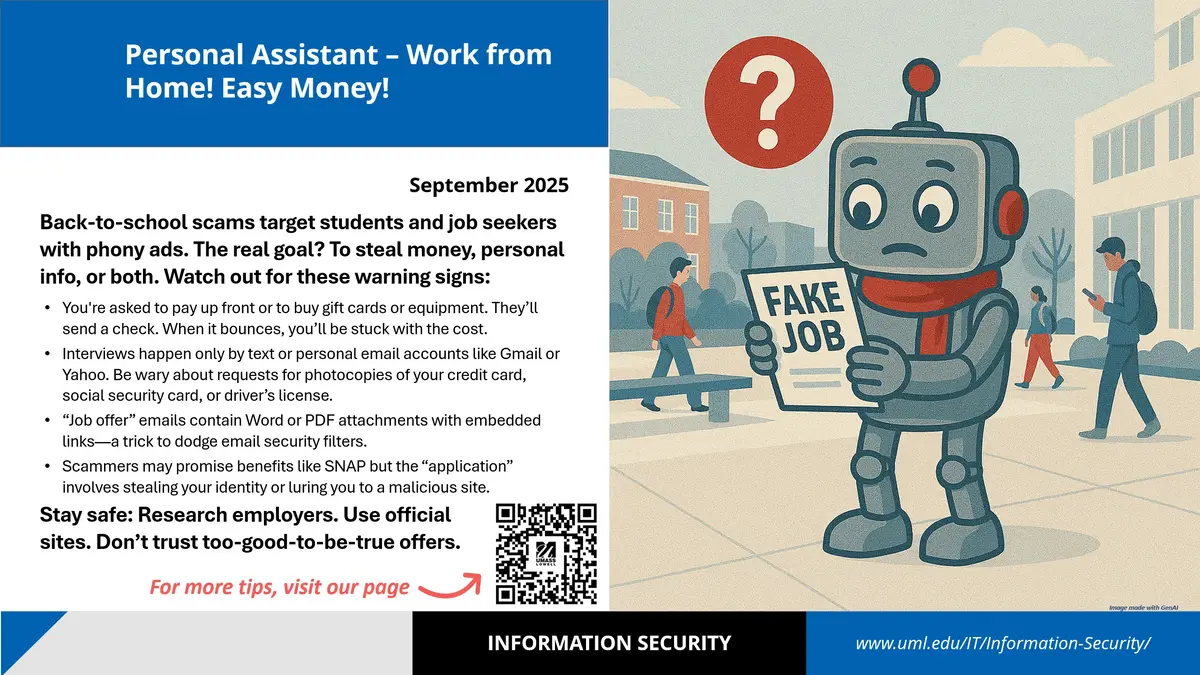
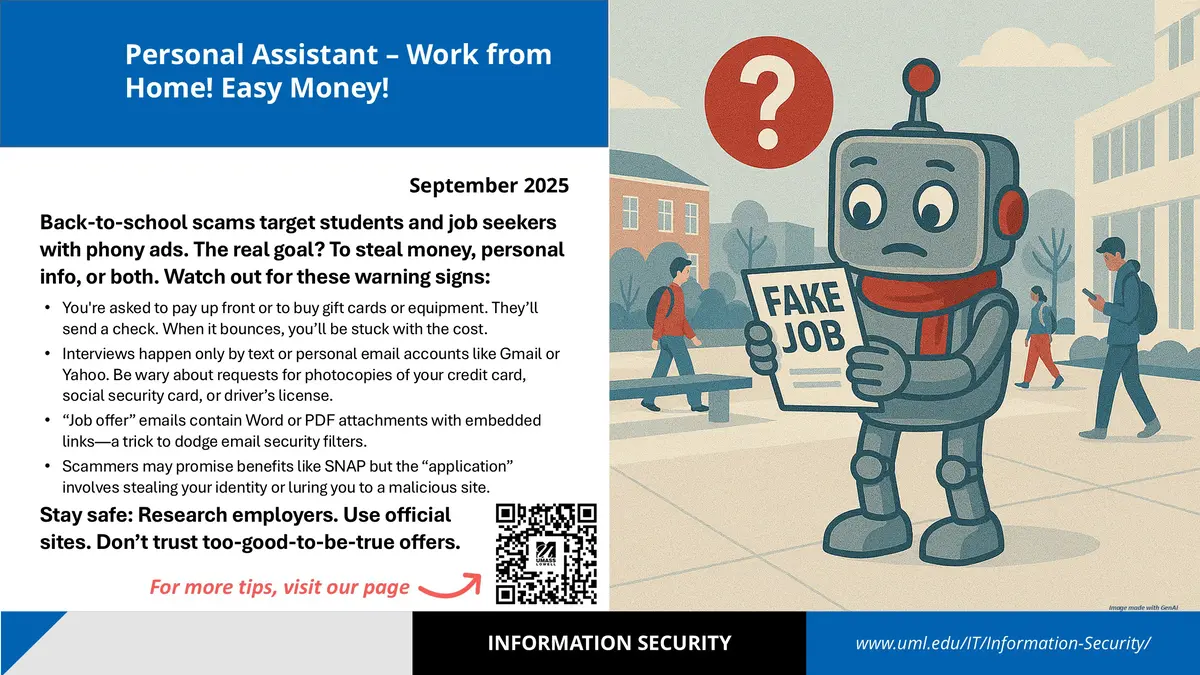
Personal Assistant – Work from Home! Easy Money!

Back-to-school scams target students and job seekers with phony ads. The real goal? To steal money, personal info, or both. Watch out for these warning signs:

  • You're asked to pay up front or to buy gift cards or equipment. They’ll send a check. When it bounces, you’ll be stuck with the cost.
  • Interviews happen only by text or personal email accounts like Gmail or Yahoo. Be wary about requests for photocopies of your credit card, social security card, or driver’s license.
  • “Job offer” emails contain Word or PDF attachments with embedded links—a trick to dodge email security filters.
  • Scammers may promise benefits like SNAP but the “application” involves stealing your identity or luring you to a malicious site.

Stay safe: Research employers. Use official sites. Don’t trust too-good-to-be-true offers.

Slide with information on avoiding scams that involve a text message.

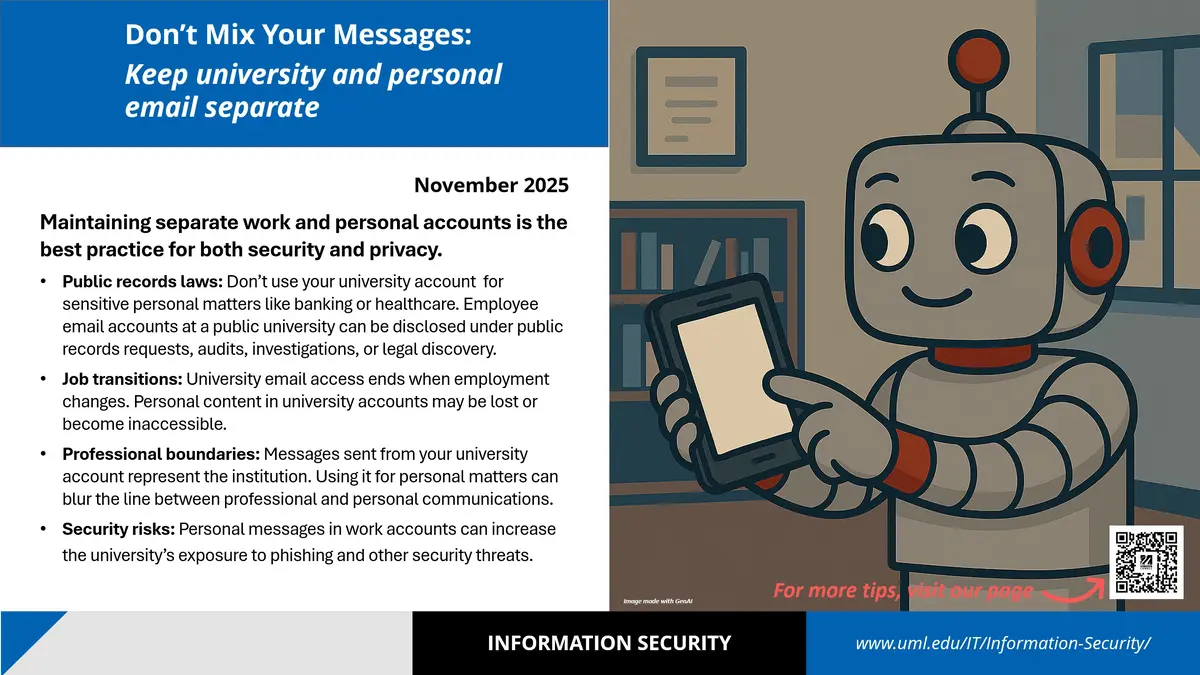
Don't Mix Your Messages: Keep university and personal email separate

Maintaining separate work and personal accounts is the best practice for both security and privacy.  

  • Public records laws: Don’t use your university account  for sensitive personal matters like banking or healthcare. Employee email accounts at a public university can be disclosed under public records requests, audits, investigations, or legal discovery. 
  • Job transitions: University email access ends when employment changes. Personal content in university accounts may be lost or become inaccessible.
  • Professional boundaries: Messages sent from your university account represent the institution. Using it for personal matters can blur the line between professional and personal communications.
  • Security risks: Personal messages in work accounts can increase the university’s exposure to phishing and other security threats. 


Slide with information about keeping work and personal email separate.

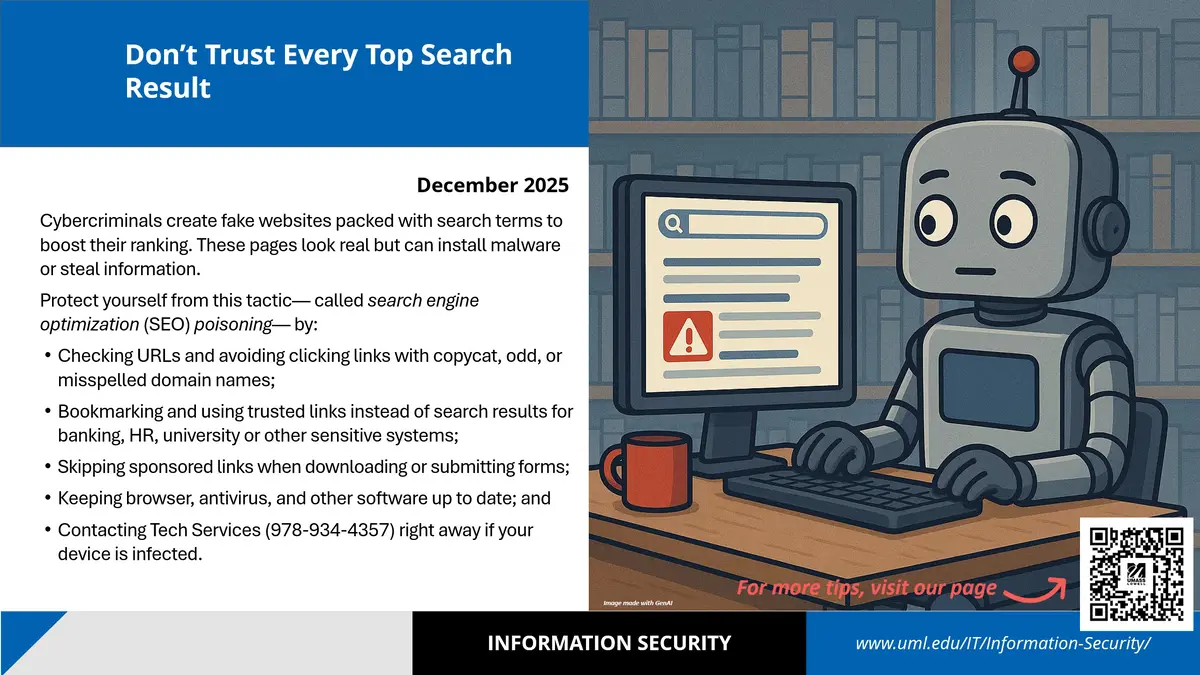
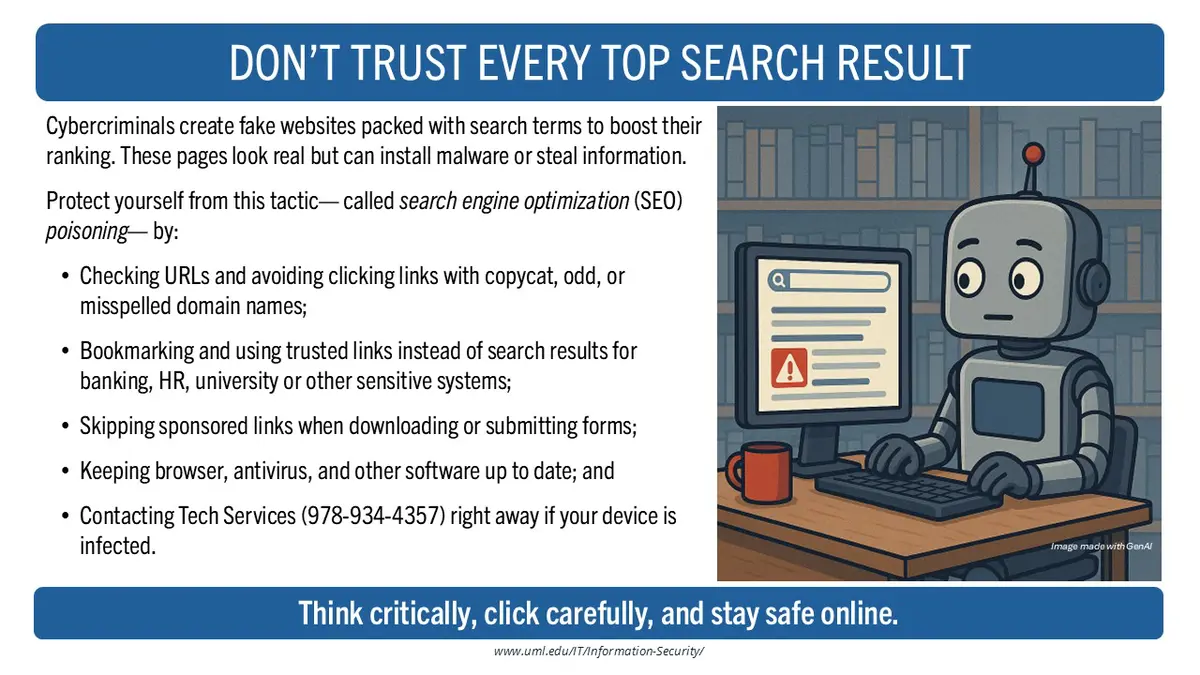
Don’t Trust Every Top Search Result

Cybercriminals create fake websites packed with search terms to boost their ranking. These pages look real but can install malware or steal information. 
Protect yourself from this tactic— called search engine optimization (SEO) poisoning— by:

  • Checking URLs and avoiding clicking links with copycat, odd, or misspelled domain names;
  • Bookmarking and using trusted links instead of search results for banking, HR, university or other sensitive systems;
  • Skipping sponsored links when downloading or submitting forms;
  • Keeping browser, antivirus, and other software up to date; and
  • Contacting Tech Services (978-934-4357) right away if your device is infected.


Slide with information about Search Engine Optimization poisoning.

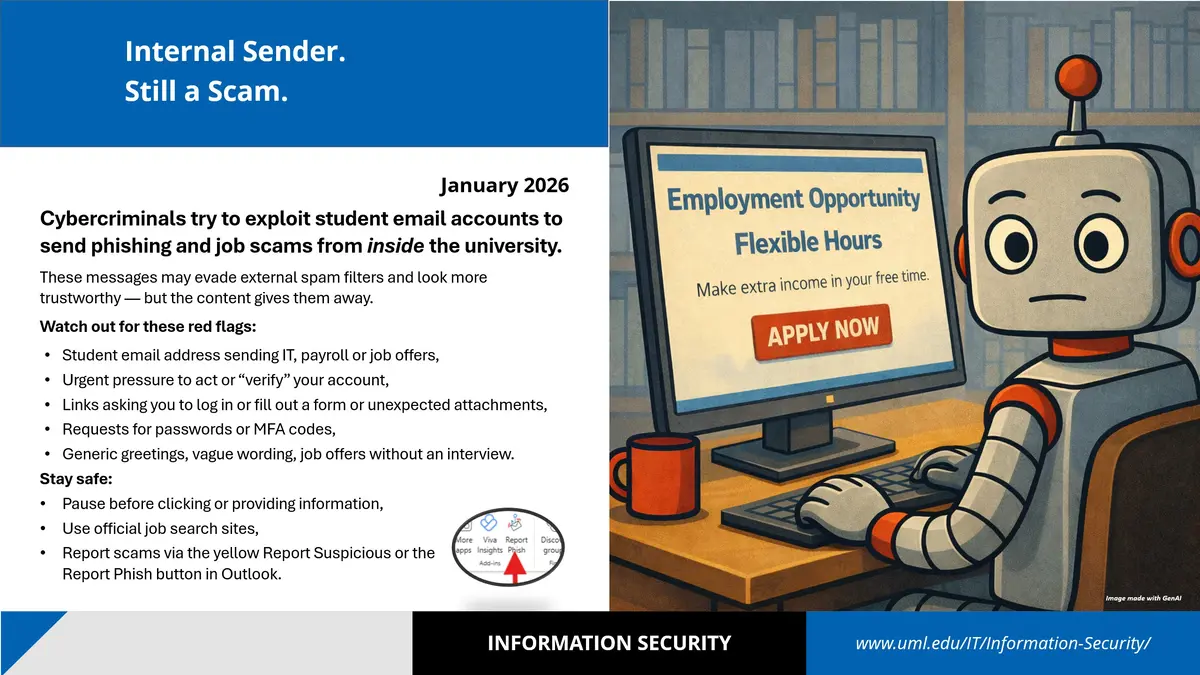
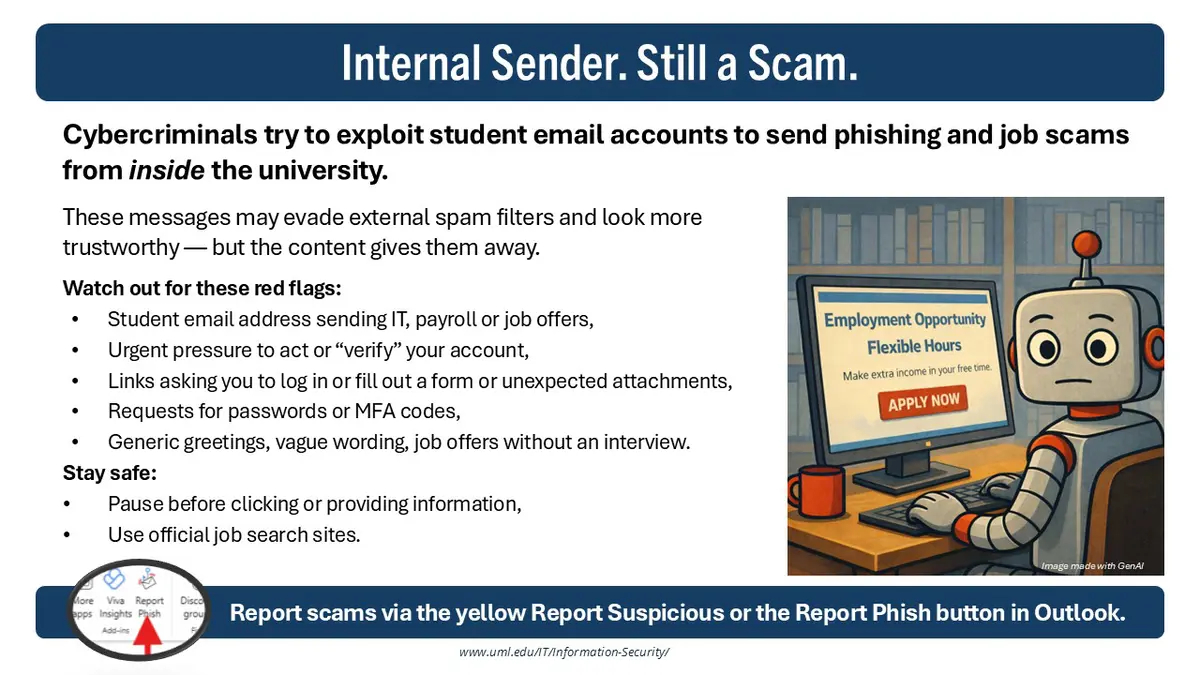
Internal Sender. Still a Scam.

Cybercriminals try to exploit student email accounts to send phishing and job scams from inside the university.

These messages may evade external spam filters and look more trustworthy — but the content gives them away. 

Watch out for these red flags:

  • Student email address sending IT, payroll or job offers,
  • Urgent pressure to act or “verify” your account,
  • Links asking you to log in or fill out a form or unexpected attachments,
  • Requests for passwords or MFA codes,
  • Generic greetings, vague wording, job offers without an interview.

Stay safe: 

  • Pause before clicking or providing information,
  • Use official job search sites,
  • Report scams via the yellow Report Suspicious or the Report Phish button in Outlook.


Slide with information on how to avoid a scam that was sent internally from a student or faculty/staff member's compromised account.

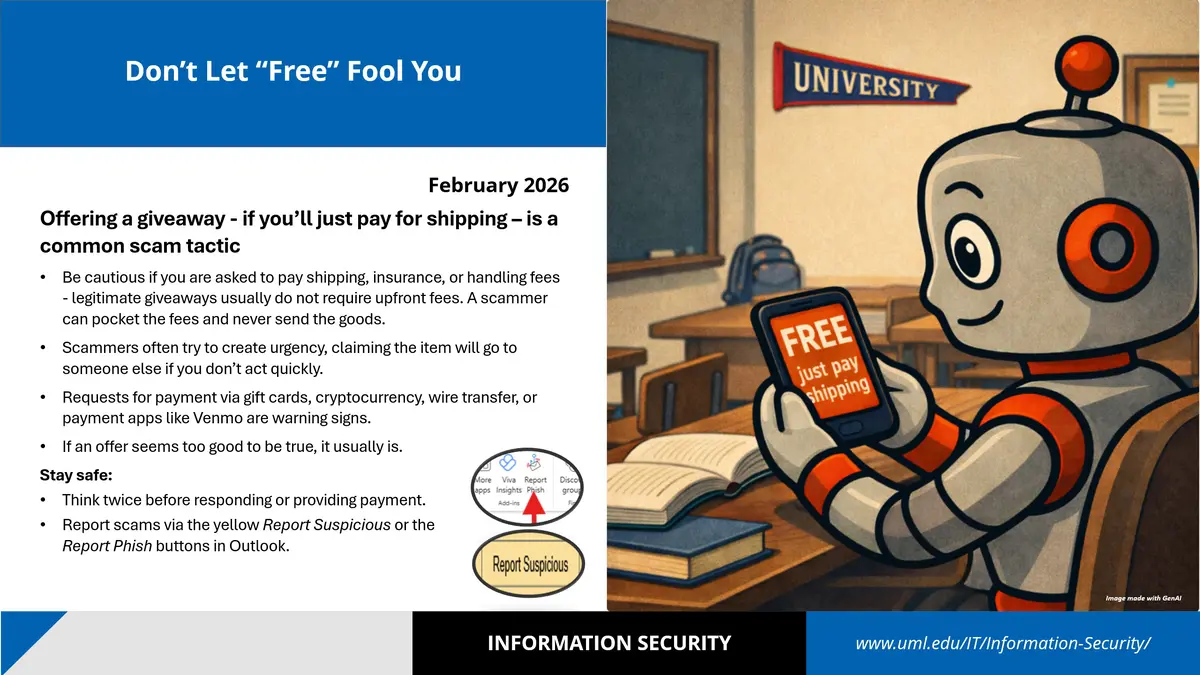
Don’t Let “Free” Fool You

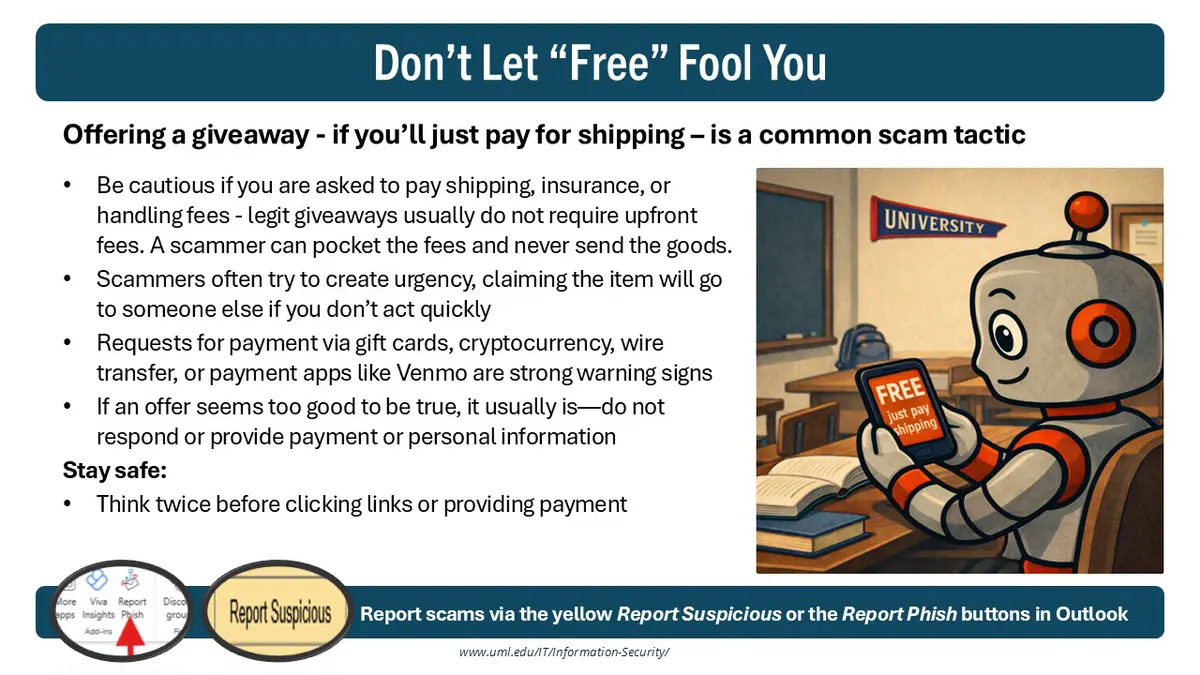
Offering a giveaway - if you’ll just pay for shipping – is a common scam tactic

  • Be cautious if you are asked to pay shipping, insurance, or handling fees - legitimate giveaways usually do not require upfront fees. A scammer can pocket the fees and never send the goods.
  • Scammers often try to create urgency, claiming the item will go to someone else if you don’t act quickly.
  • Requests for payment via gift cards, cryptocurrency, wire transfer, or payment apps like Venmo are warning signs.
  • If an offer seems too good to be true, it usually is. 

Stay safe: 

  • Think twice before responding or providing payment.
  • Report scams via the yellow Report Suspicious or the Report Phish buttons in Outlook.


Slide with information regarding avoiding common scam that involve asking the victim to pay for shipping.

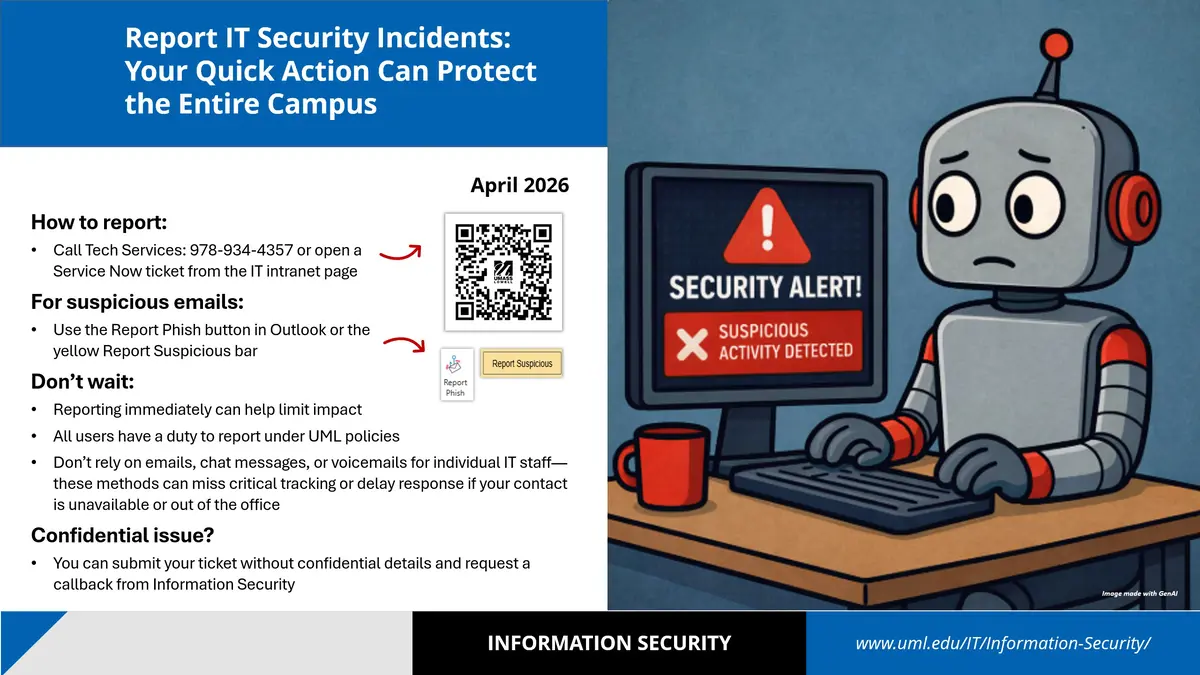
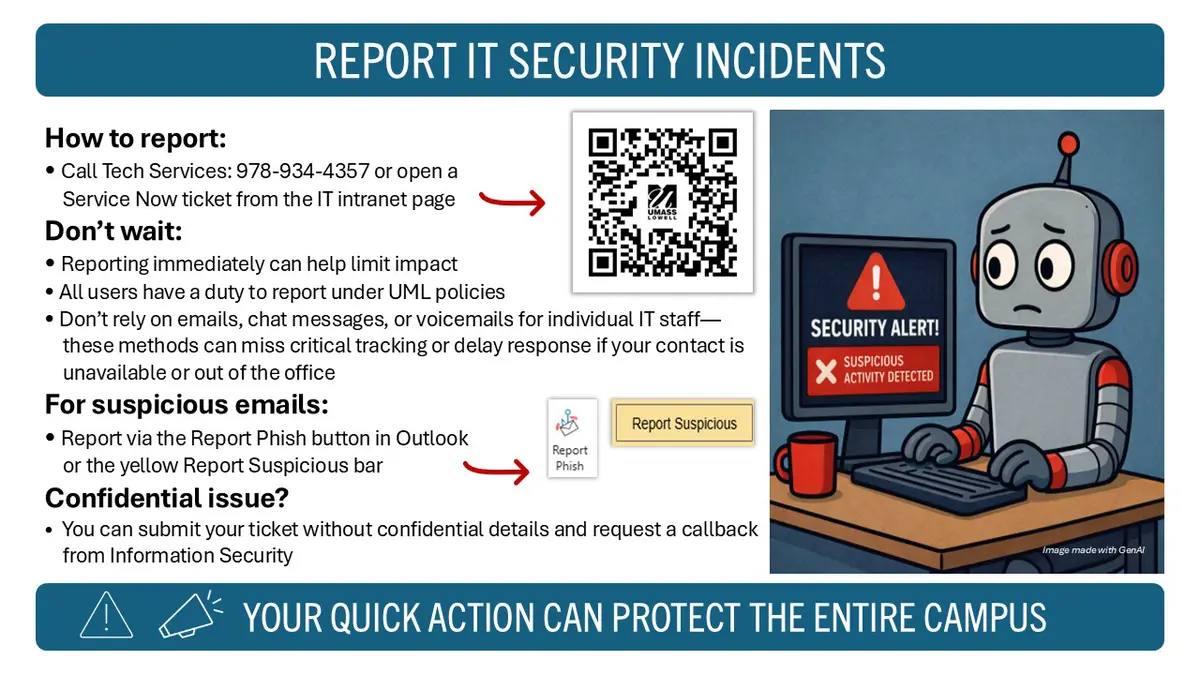
Report IT Security Incidents: Your Quick Action Can Protect the Entire Campus

How to report:

  • Call Tech Services: 978-934-4357 or open a  Service Now ticket from the IT intranet page

For suspicious emails:

  • Use the Report Phish button in Outlook or the yellow Report Suspicious bar

Don’t wait:

  • Reporting immediately can help limit impact
  • All users have a duty to report under UML policies
  • Don’t rely on emails, chat messages, or voicemails for individual IT staff—these methods can miss critical tracking or delay response if your contact is unavailable or out of the office  

Confidential issue?

  • You can submit your ticket without confidential details and request a callback from Information Security


Slide with information on how to reporting security incidents to the InfoSec team.

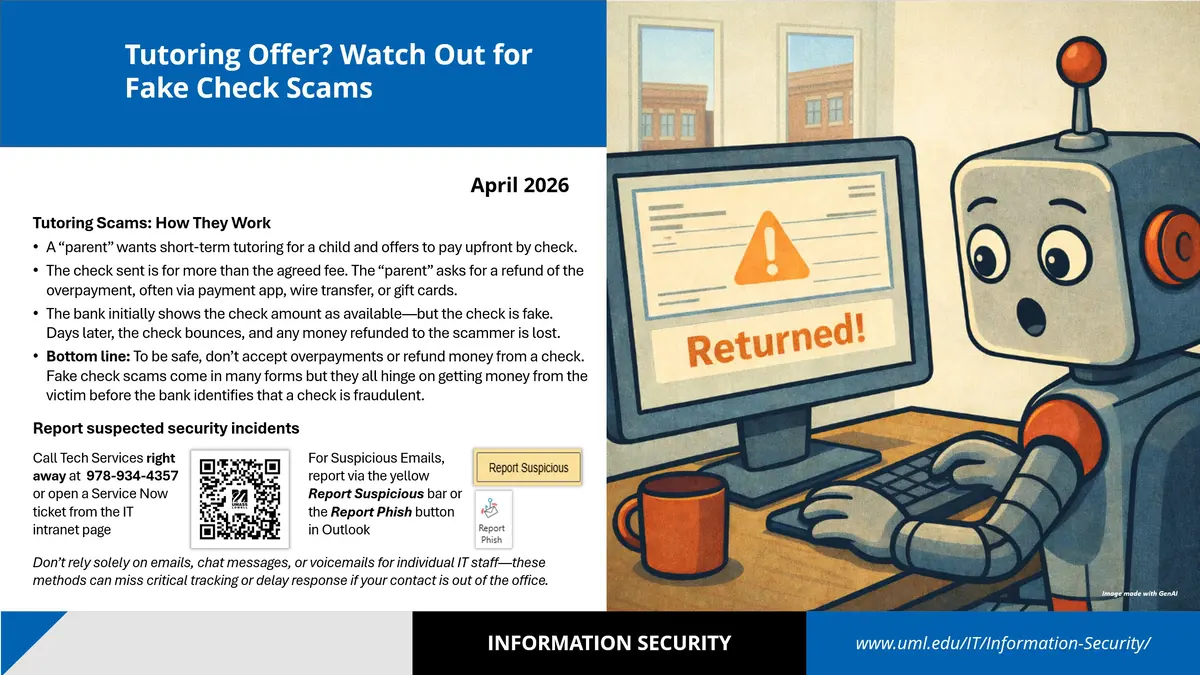
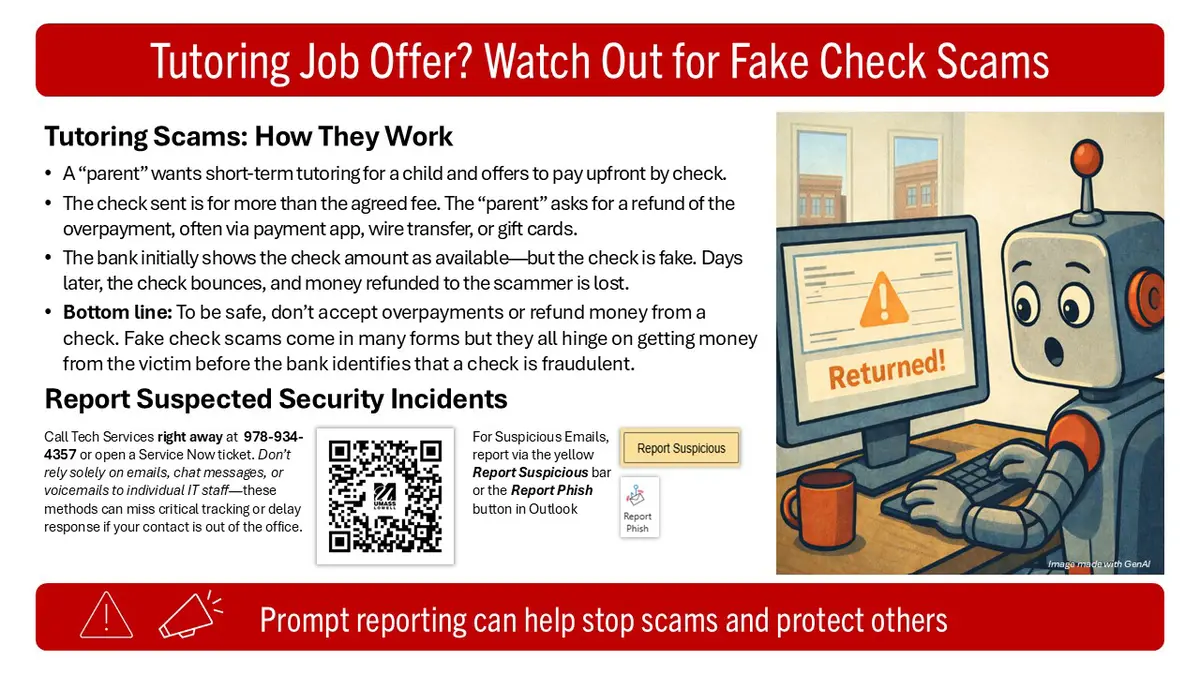
Tutoring Offer? Watch Out for Fake Check Scams

Tutoring Scams: How They Work

  • A “parent” wants short-term tutoring for a child and offers to pay upfront by check. 
  • The check sent is for more than the agreed fee. The “parent” asks for a refund of the overpayment, often via payment app, wire transfer or gift cards.
  • The bank initially shows the check amount as available—but the check is fake. Days later, the check bounces, and any money refunded to the scammer is lost.
  • Bottom line: To be safe, don’t accept overpayments or refund money from a check. Fake check scams come in many forms but they all hinge on getting money from the victim before the bank identifies that a check is fraudulent.

Report suspected security incidents

Call Tech Services right away at  978-934-4357 or open a Service Now ticket from the IT intranet page

For Suspicious Emails, report via the yellow Report Suspicious bar or the Report Phish button in Outlook

Don’t rely solely on emails, chat messages or voicemails for individual IT staff—these methods can miss critical tracking or delay response if your contact is out of the office. 


Slide with information on how to avoid scams that involve fake tutoring help.

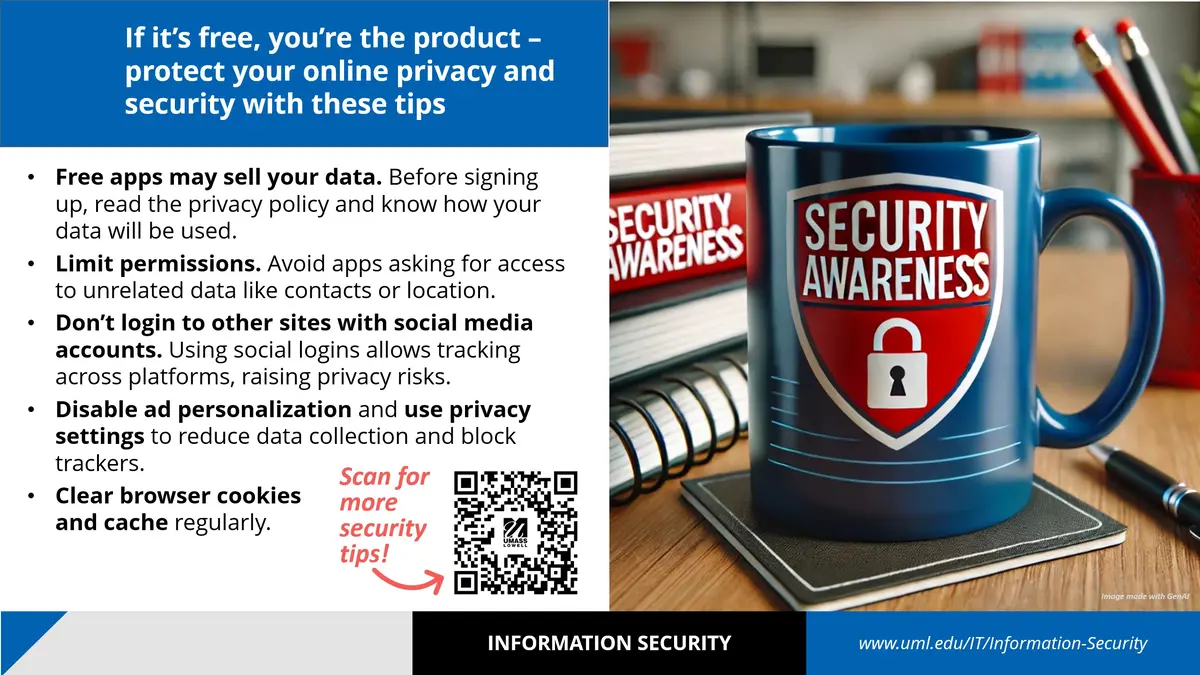
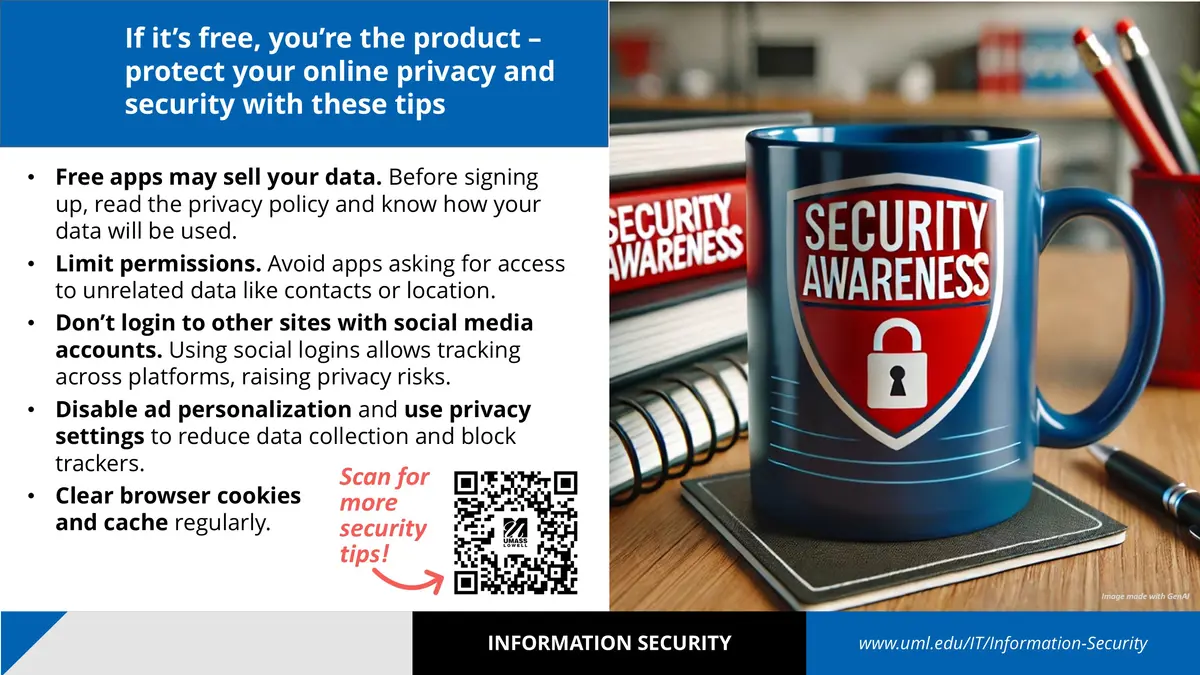
If it's free, you're the product - Protect your online privacy and security with these tips

  • Free apps may sell your data. Before signing up, read the privacy policy and know how your data will be used.
  • Limit permissions. Avoid apps asking for access to unrelated data like contacts or location.
  • Don't login to other sites with social media accounts. Using  social logins allows tracking across platforms, raising privacy risks.
  • Disable ad personalization and use privacy settings to reduce data collection and block trackers.
  • Clear browser cookies and cache regularly.
A powerpoint slide with security tips.

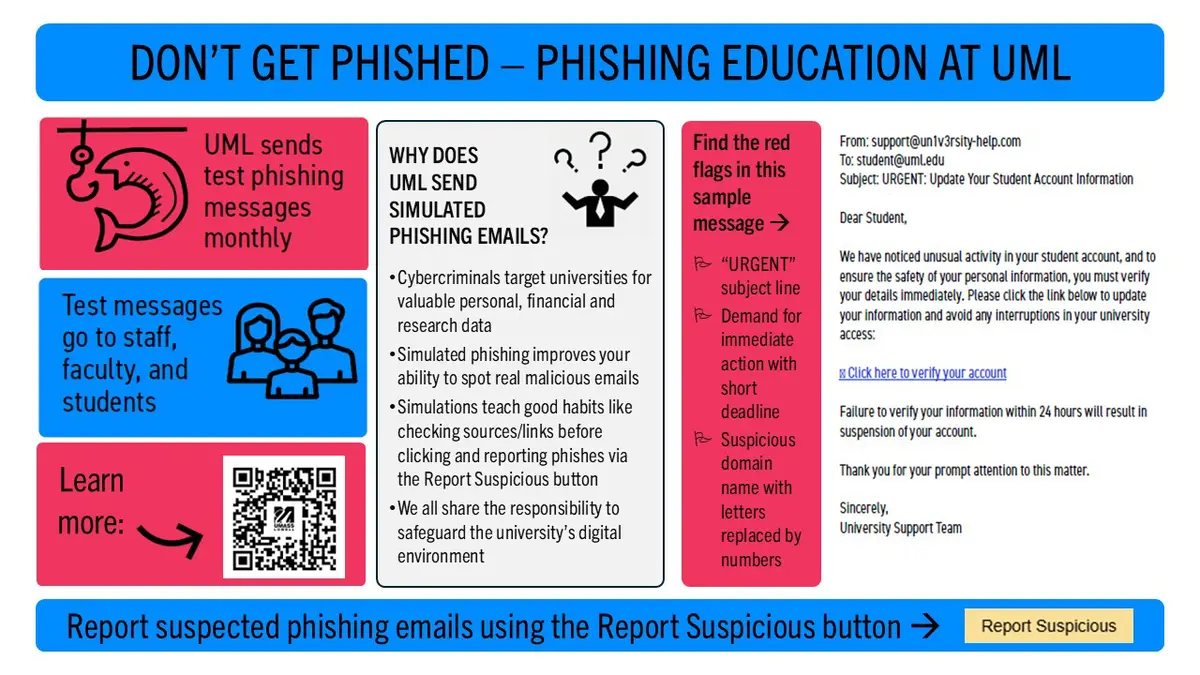
UML sends test phishing messages monthly. Test messages go to staff faculty, and students

Why does UML send simulated phishing emails?

  • Cybercriminals target universities for valuable personal, financial and research data
  • Simulated phishing improves your ability to spot real malicious emails
  • Simulations teach good habits like checking sources/links before clicking and reporting phishes via the Report Suspicious button
  • We all share the responsibility to safeguard the university’s digital environment
  • Find the red flags in this sample message:


From: support@un1v3rsity-help.com

To: student@uml.edu

Subject: URGENT: Update Your Student Account Information


Dear Student,

We have noticed unusual activity in your student account, and to ensure the safety of your personal information, you must verify your details immediately. Please click the link below to update your information and avoid any interruptions in your university access:

[Click here to verify your account]

Failure to verify your information within 24 hours will result in suspension of your account.

Thank you for your prompt attention to this matter.

Sincerely,

University Support Team

  • “URGENT” subject line
  • Demand for immediate action with short deadline
  • Suspicious domain name with letters replaced by numbers


Report suspected phishing emails using the Report Suspicious button 

Residence Halls - Don't Get Phished Slide

  • Enable multifactor authentication
  • Don't reuse passwords across different sites
  • Avoid passwords with guessable elements like birthdays, local sports teams, or simple substitutions (e.g. P@$$w0rd)
  • Use longer pass phrases instead of common words - UML’s standard is 16 characters with letters, numbers and symbols
  • Don’t share online account passwords


Report phishing emails using the Report Suspicious button 

Residence Halls New Years Resolution Slide Info

Online romance scams are on the rise, with victims losing over $1.3B in recent years. The FTC’s blog warns against “Date and Switch” myths:

  • Not just dating apps: Scammers can target victims on any social media.
  • Excuses for no meetings: Claims of working abroad (military, doctor, oil rig) are red flags.
  • Target all ages: Young adults (18-29) are increasingly scammed; older victims lose more money.
  • Not always cash requests: Scammers may ask for help transferring money, which can involve money laundering, or push fake investment tips or cryptocurrency.


Report scams to dating apps, social media, and the FTC at ReportFraud.ftc.gov
(Adapted from Date and switch: Busting five myths about online romance by Lesley Fair, www.ftc.gov.)

Report phishing emails using the Report Suspicious button 

Resident Halls - Romance scams slide information

A little clean up can go a long way to protect your information and keep devices trouble free.

  • Remove unused and out-of-date apps
  • Revoke unneeded app permissions (location, contacts, etc.) to limit data exposure
  • Clear your browser cache
  • Install software updates and security patches
  • Back up important data to a secure location, and 
  • Delete unneeded files
Residence Halls - Declutter Slide info

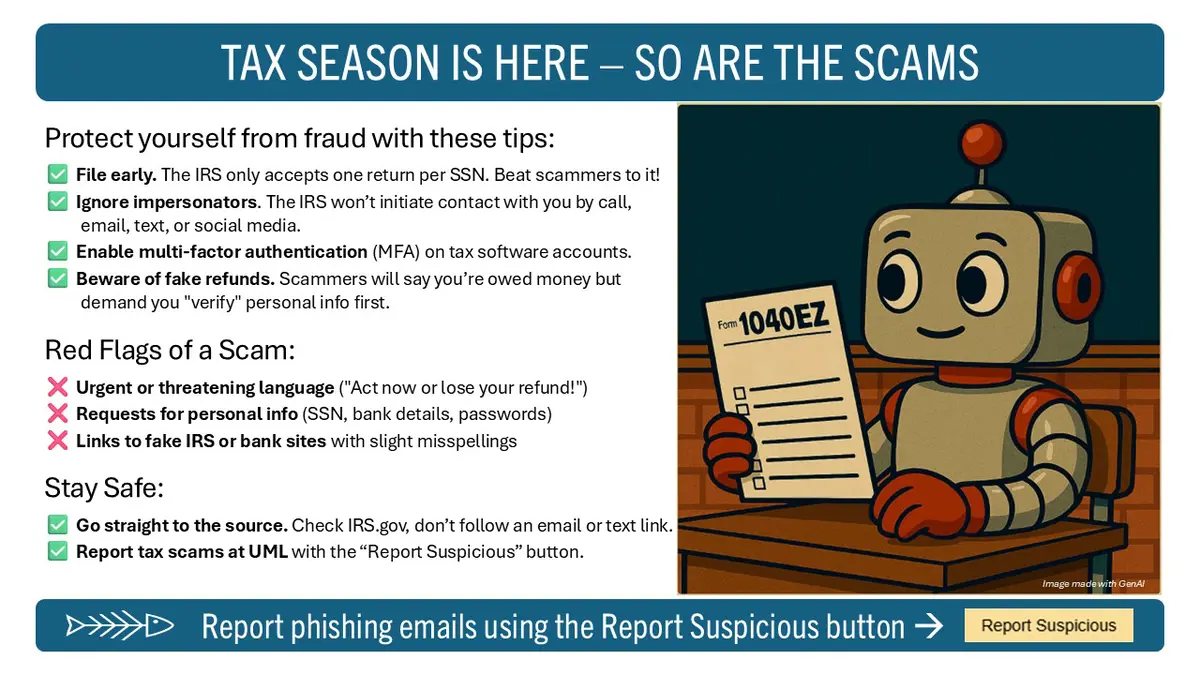
Protect Yourself from Fraud with These Tips:

  • File early. The IRS only accepts one return per SSN. Beat scammers to it!
  • Ignore impersonators. The IRS won’t initiate contact with you by call, email, text, or social media.
  • Enable multi-factor authentication (MFA) on tax software accounts.
  • Beware of fake refunds. Scammers will say you’re owed money but demand you "verify" personal info first.

Red Flags of a Scam

  • Urgent or threatening language ("Act now or lose your refund!")
  • Requests for personal info (SSN, bank details, passwords)
  • Links to fake IRS or bank sites with slight misspellings

Stay Safe

  • Go straight to the source. Check IRS.gov, don’t follow an email or text link.
  • Report tax scams at UML with the “Report Suspicious” button. 


Report phishing emails using the Report Suspicious button


Residence Halls - Tax Scams slide info

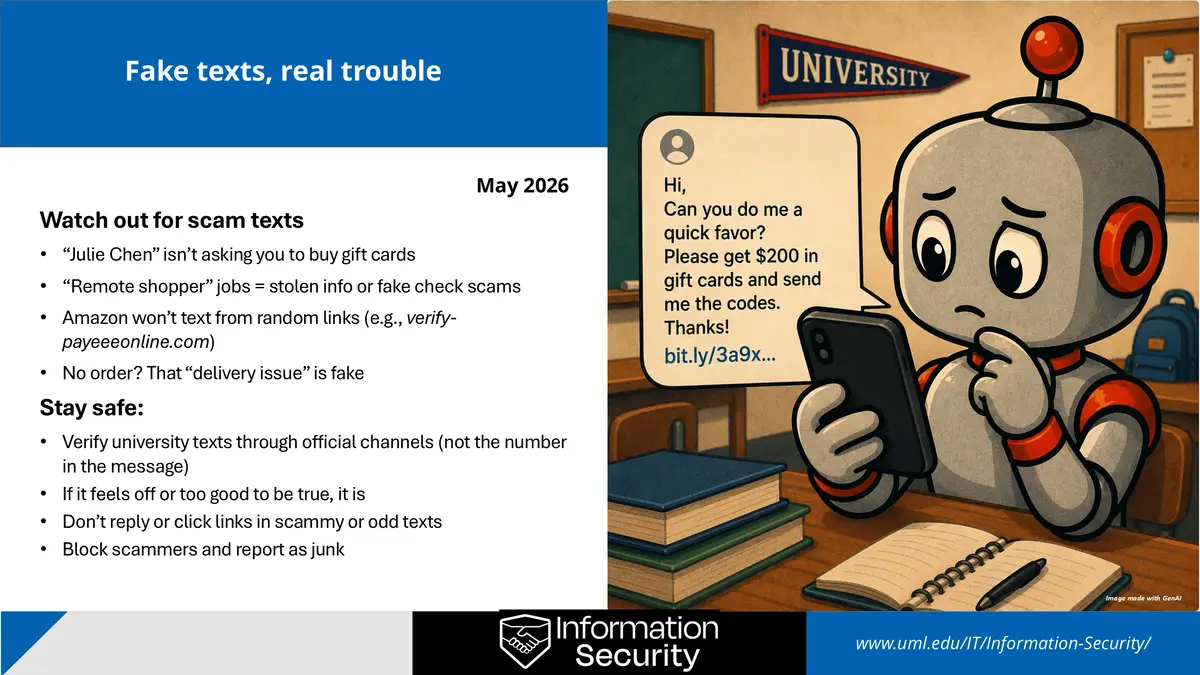
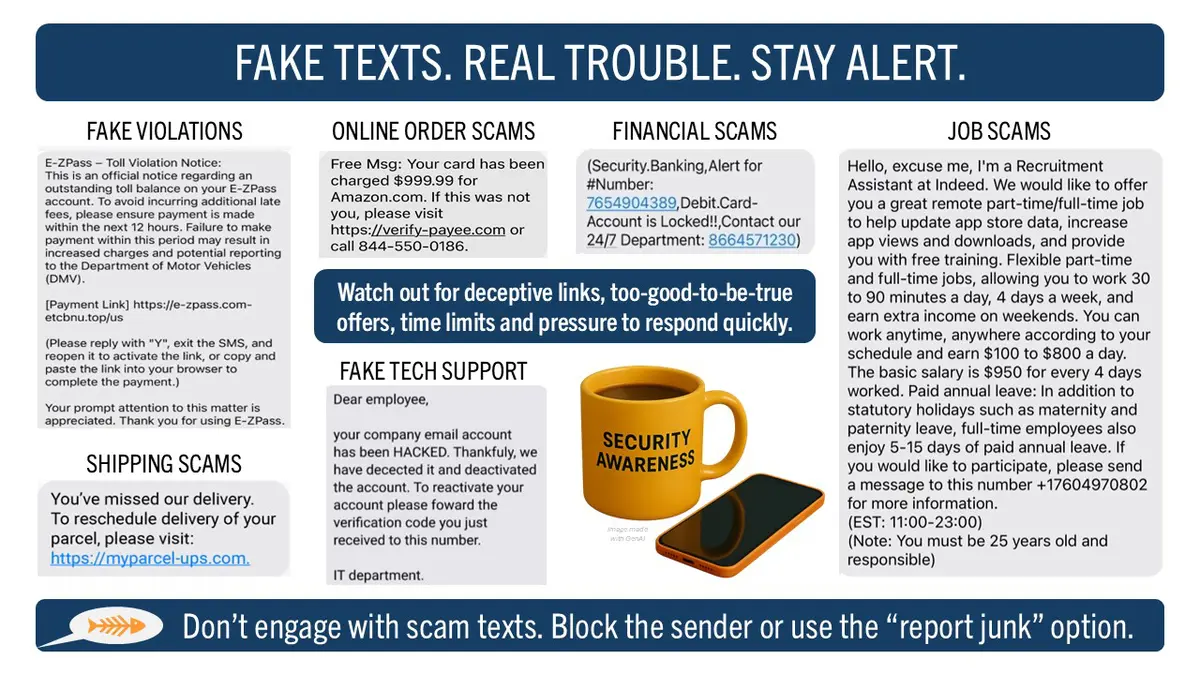
Watch Out for Scam Texts

  • “Julie Chen” isn’t asking you to buy gift cards
  • “Remote shopper” jobs = stolen info or fake check scams
  • Amazon won’t text from random links (e.g., verify-payeeeonline.com)
  • No order? That “delivery issue” is fake


Stay Safe:

  • Verify university texts through official channels (not the number in the message)
  • If it feels off or too good to be true, it is
  • Don’t reply or click links in scammy or odd texts
  • Block scammers and report as junk
Scam Text Part 2 slide info

Back-to-school scams target students and job seekers with phony ads. The real goal? To steal money, personal info, or both. Watch out for these warning signs:

  • You're asked to pay up front or to buy gift cards or equipment. They’ll send a check. When it bounces, you’ll be stuck with the cost.
  • Interviews happen only by text or personal email accounts like Gmail or Yahoo. Be wary about requests for photocopies of your credit card, social security card, or driver’s license.
  • “Job offer” emails contain Word or PDF attachments with embedded links—a trick to dodge email security filters.
  • Scammers may promise benefits like SNAP but the “application” involves stealing your identity or luring you to a malicious site.


Stay safe: Research employers. Use official sites. Don’t trust too-good-to-be-true offers.


Hawki Job scams slide info

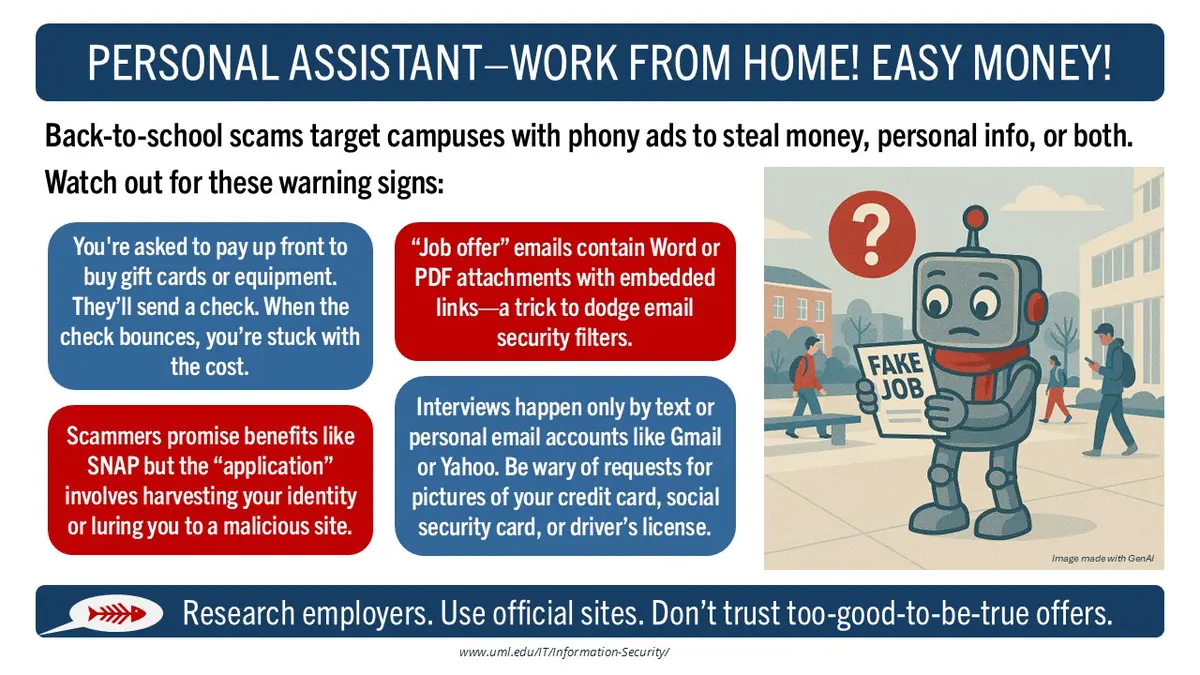
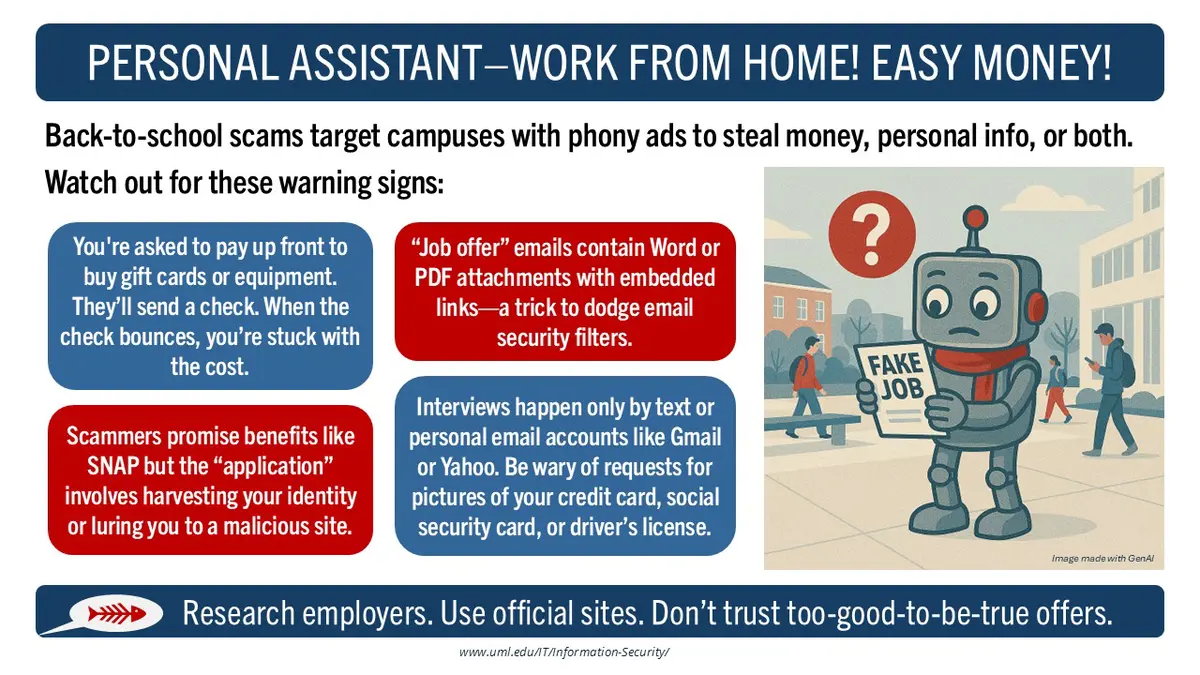
Back-to-school scams target campuses with phony ads to steal money, personal info, or both. Watch out for these warning signs:

  • You're asked to pay up front to buy gift cards or equipment. They’ll send a check. When the check bounces, you’re stuck with the cost.
  • “Job offer” emails contain Word or PDF attachments with embedded links—a trick to dodge email security filters.
  • Scammers promise benefits like SNAP but the “application” involves harvesting your identity or luring you to a malicious site.
  • Interviews happen only by text or personal email accounts like Gmail or Yahoo. Be wary of requests for pictures of your credit card, social security card, or driver’s license.

Research employers. Use official sites. Don’t trust too-good-to-be-true offers.  


Residence Halls - Job scams slide info

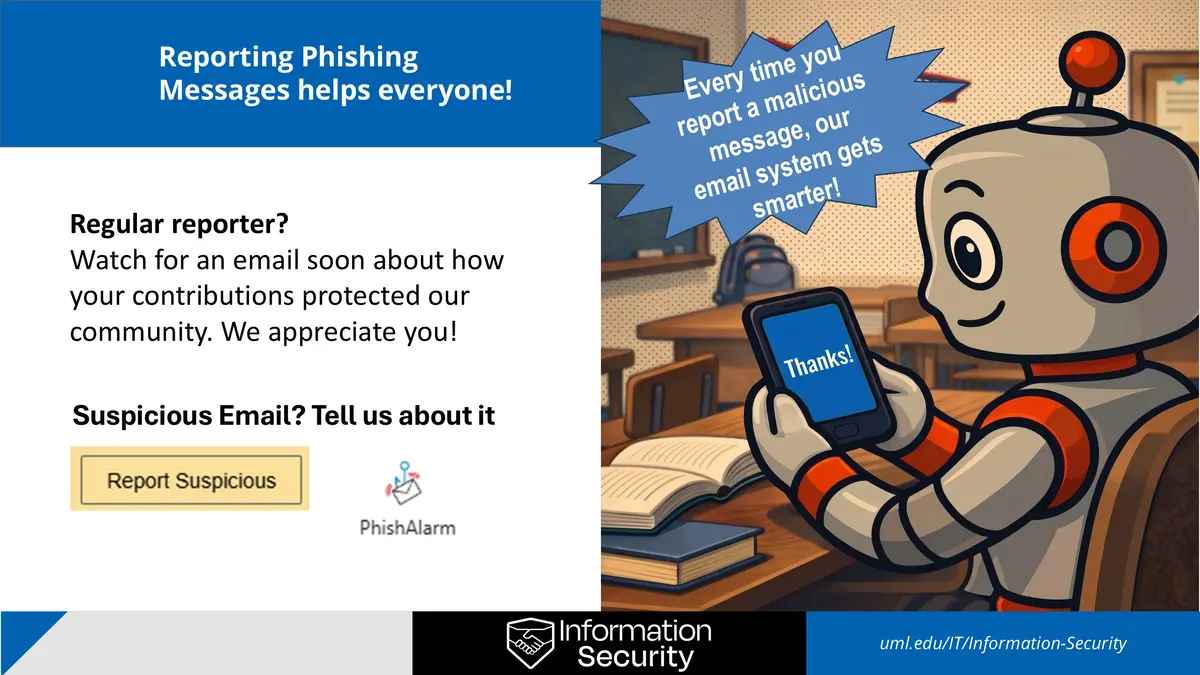
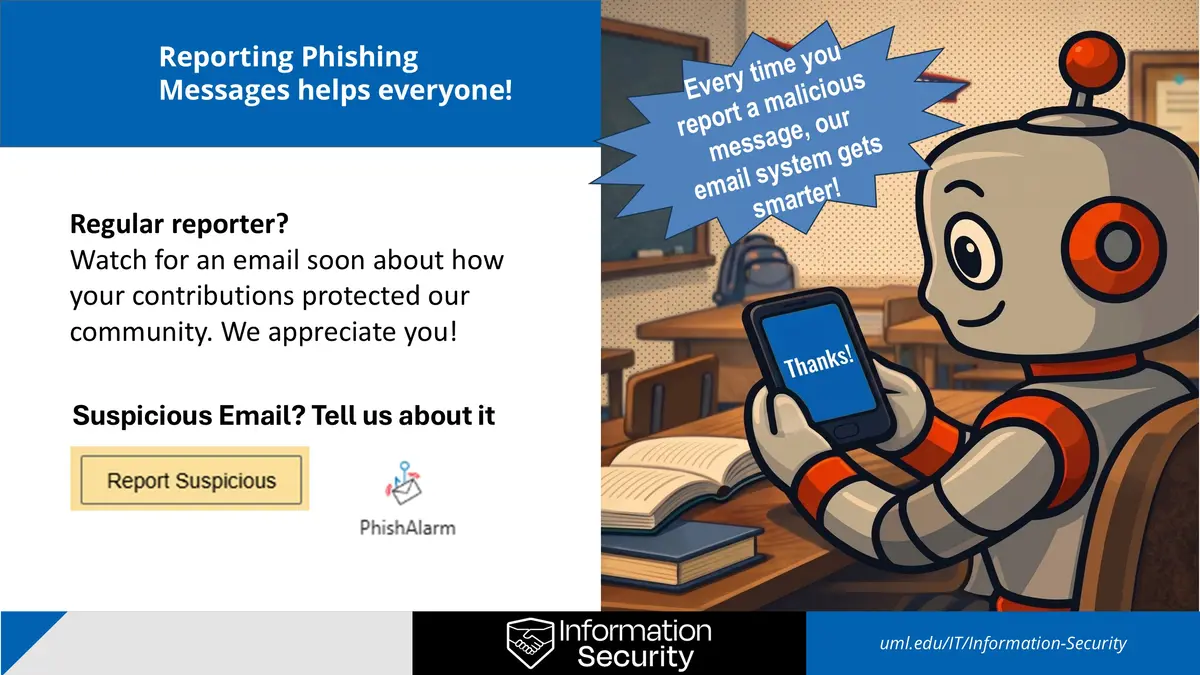
Reporting Phishing Messages helps everyone!

Every time you report a malicious message, our email system gets smarter!

Regular reporter?

Watch for an email soon about how your contributions protected our community. We appreciate you!

Suspicious Email? Tell us about it

Your Report Helps Others slide info