Image Accessibility Quick Facts
- Image Size: Images must be at least 800 pixels wide or larger.
- Alternative Text (Alt Text): All images need to have appropriate alt text that is no longer than 125 characters (including spaces and punctuation).

"Alt Text" is short for "alternative text" and is sometimes referred to as an "alt tag." It is a short text description of an image that is used when the image itself cannot be viewed. Think of it as how you would describe a photo to someone over the phone without them being able to see it.
Adding alt text makes images accessible to users with visual impairments, low sight, dyslexia and other disabilities. When a screen reader comes across an image, it reads the alt text aloud. Users with sight-related disabilities rely on these descriptions to understand the meaning and context of all images on a webpage.
Alt text will also display when you hover your mouse over an image or when an image will not load for whatever reason (slow wifi, poor internet access and more.)
Search engines, like Google, scan alt text, so having good alt text is a way to better your search engine results.
Please click on the plus signs below to expand sections with examples of different types of images and alt text.
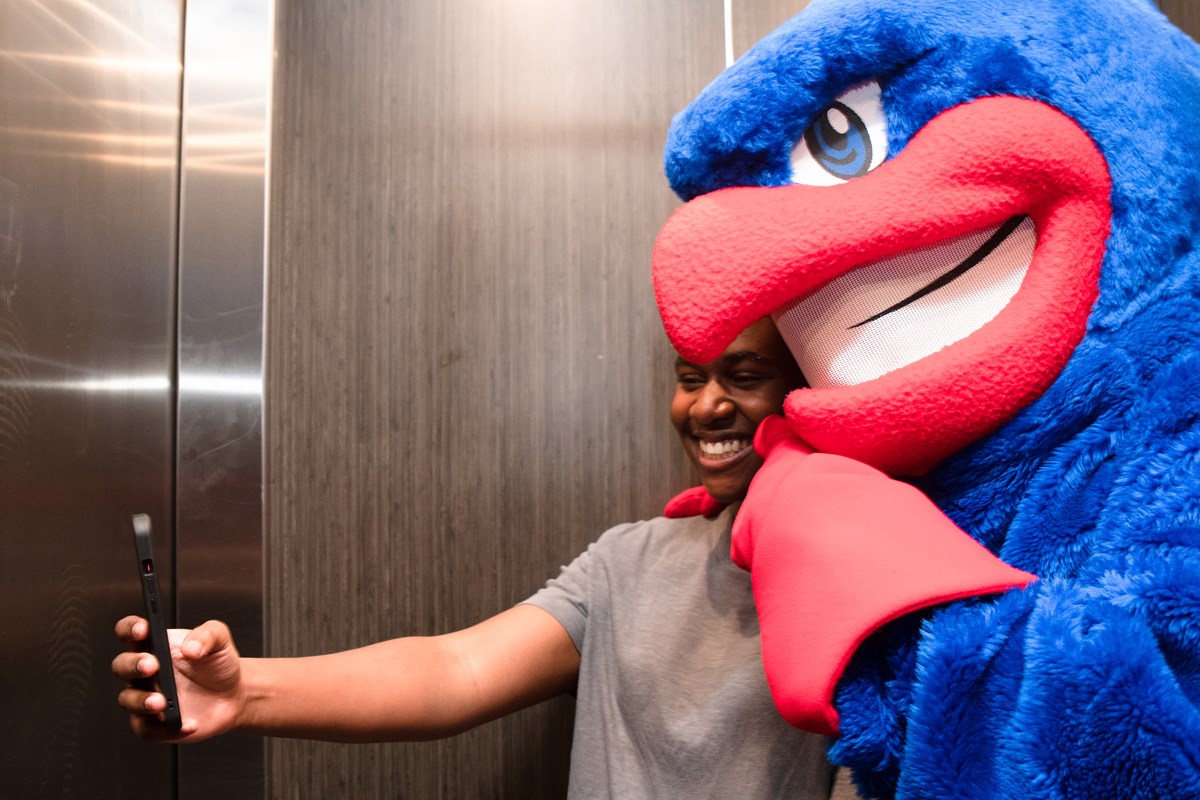
Over-Explanatory Alt Text: Giant blue and red bird points at a student's face while he takes a selfie photo with phone. A wooden brown background is behind them and a silver wall is to their left.
Better Alt Text: UMass Lowell Mascot, Rowdy the River Hawk, taking a selfie photo with a student.
Pro Tip: The key to writing good alt text is to describe the image as accurately and in as few words as possible. Think of it as how you would describe a photo to someone over the phone without them being able to see it.
When you upload an image, you should see a pop-up window labeled Metadata.
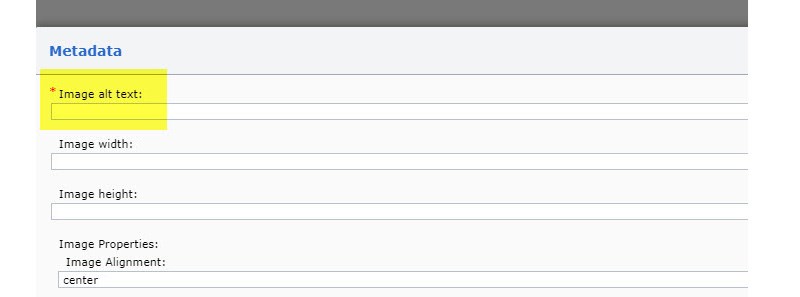
This screenshot shows the window you are given when uploading an image into Tridion Site Edit. As you can see from the highlighted section, Image alt text is required. An image cannot be saved without alt text.
If you've uploaded the image with insufficient alt text and need to adjust it, you will first need to navigate to the folder where you uploaded the image. After double clicking to open it, you'll see a series of tabs: General, Metadata, Bundles, Workflow and Info. Click on the Metadata tab to access the alt text field.

In the Metadata tab, you will find the section to update the alt text. In this example, the image was uploaded with incorrect alt text: "UMass Lowell Image".
Profile images need alt text that names the subject for those who cannot see the image.
For profile images, the format should always be the person’s name followed by a period: “[Name].”

Over-Explanatory Alt Text: Headshot of Julie Chen from the shoulders up smiling and wearing blue dropdown earrings.
Correct Alt Text: Julie Chen.
Logos and marks may seem self-explanatory, but they still communicate brand information and require alt text for screen reader users.

Incorrect: logo
Correct: UMass Lowell logo.
The approach to alt text for images with text depends on the context and purpose of the image. The key is to provide equivalent content rather than duplicating every word.
Here are the main principles:
Include in alt text:
Don't include:
Best practices:
The goal is to convey the same information and function that a sighted user would get from the image, not to transcribe every visual element.
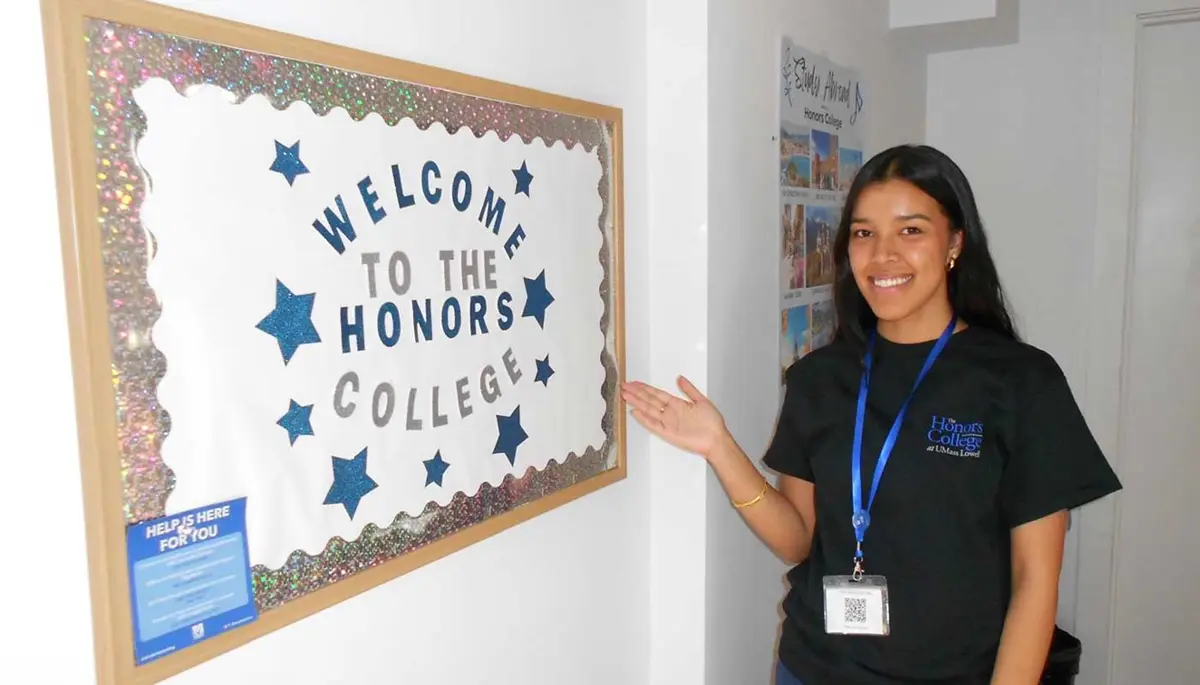
Alt Text: A UMass Lowell student points to a bulletin board with the words, “Welcome to the Honors College."
<98 characters including spaces>
Pro Tip: Omit the text in the lower left corner of the bulletin board because it is essentially unreadable and is not relevant to the context of the photo.

Alt Text: Two students talk while sitting near a poster displaying the Five Modes of Wellbeing.
<86 characters including spaces>
Pro Tip: Providing the main title of the poster gives sufficient context for the image. Avoid using students' names so that the image can be used in different areas of the website.
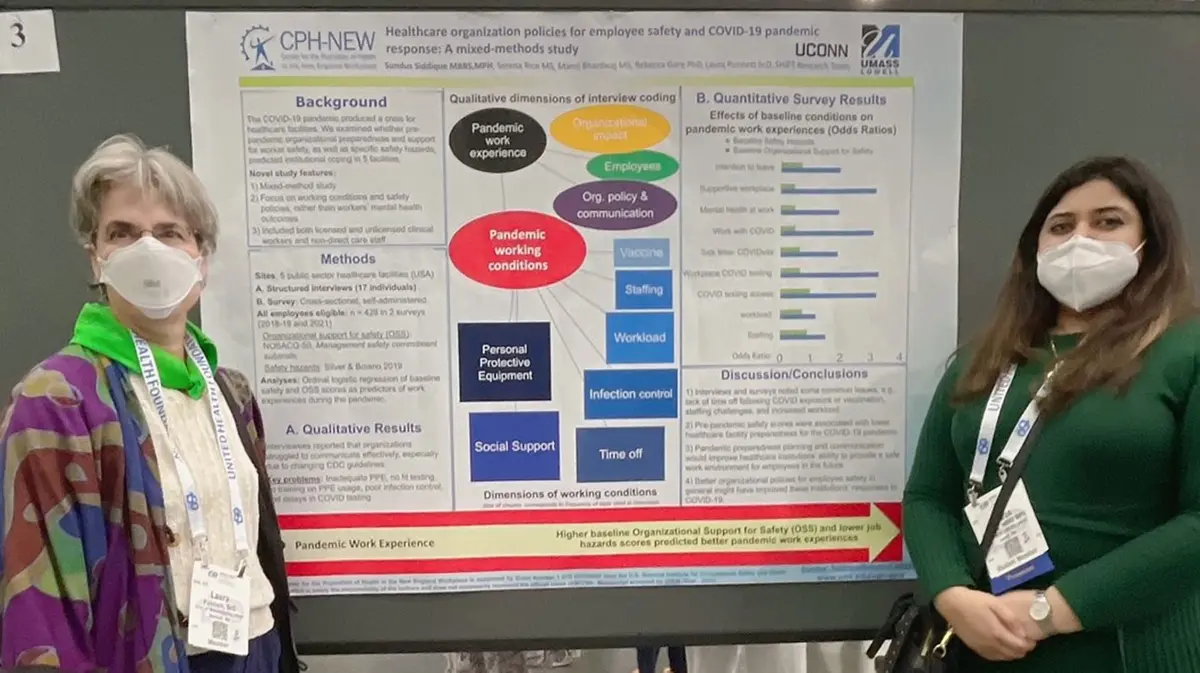
Alt Text: A UMass Lowell professor and student stand in front of a Health Sciences research poster.
<89 characters including spaces>
Pro Tip: Include the poster title if it fits within the 125-character count. Additional detail can also be provided in a photo caption.

Alt Text: UMass Lowell professor Blake Hereth presents next to a slide entitled "McTernan's View."
<89 characters including spaces>
Pro Tip: Including the main heading of the slide provides context for the types of topics covered in a philosophy classroom.
Pro Tip: Before you add an infographic to a web page, consider removing the text from your image and inserting it as text on the page.
Reasons to use actual text instead of images of text:
If you decide the infographic is essential to add to the web page, write alt text that includes important text, the context and the layout of your image in the alt text.
Key Writing Principles
Remember that the goal is equivalent access to information, not necessarily identical experience. The surrounding text context can help determine how much detail your alt text needs. Please reach out to us to work on the best solution for your content.
Complex images require two parts:
Note: When a long description is provided on the same web page as an image, its location can be described in the alt text. The location information needs to be clear and accurate to help users locate the content. (For example, "A graphic showing where terahertz fall in the electromagnetic spectrum; see caption for details.)
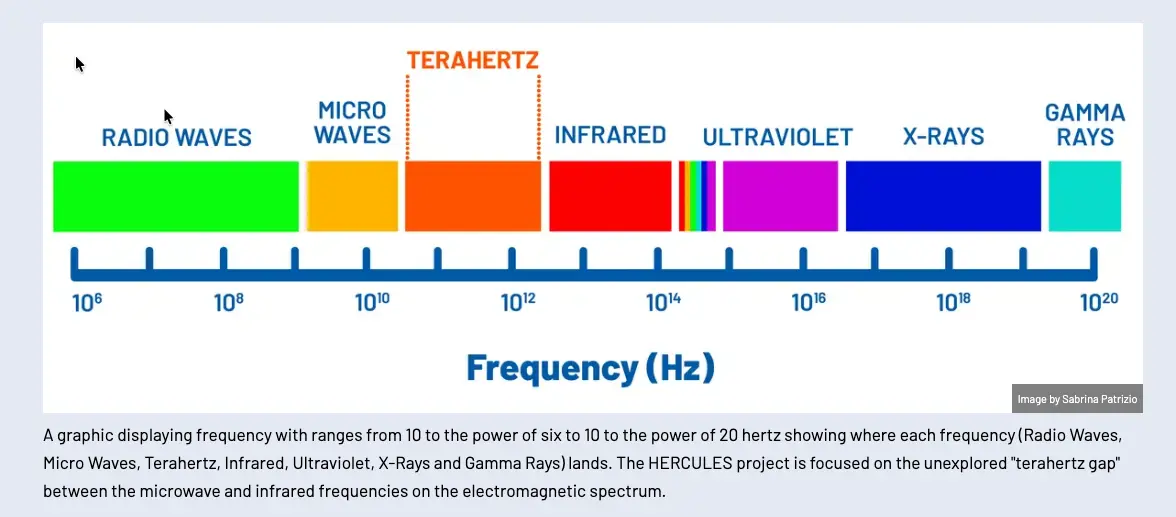
Alt Text (Short Description): A graphic showing where terahertz fall in the electromagnetic spectrum; see caption for details.
<96 characters including spaces>
Long Description (in nearby text or a linked page): A graphic displaying frequency ranges from 10 to the power of six to 10 to the power of 20 hertz, showing where each frequency (Radio Waves, Microwaves, Terahertz, Infrared, Ultraviolet, X-rays, and Gamma Rays) lands. The HERCULES project is focused on the unexplored "terahertz gap" between the microwave and infrared frequencies on the electromagnetic spectrum.
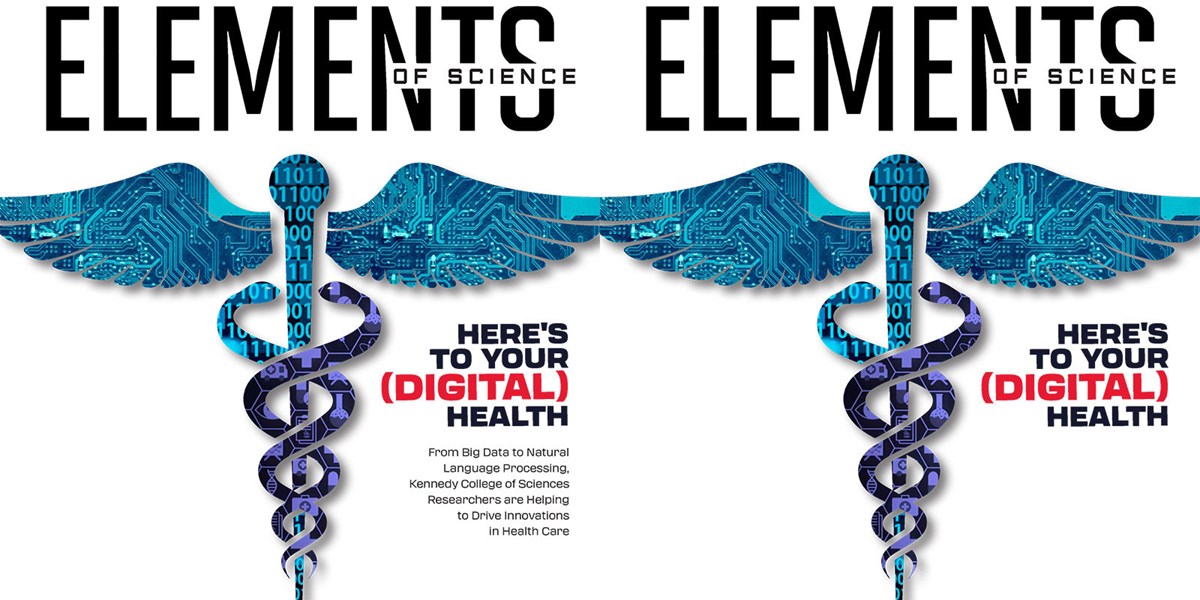
The original Elements of Science Magazine cover (left) has been photoshopped to remove some text: "From Big Data to Natural Language Processing, Kennedy College of Sciences Researchers are Helping to Drive Innovations in Health Care". The cover image on the right has white space over that text to make the image accessible and the alt text to fit within the 125-character limit.
Magazine and book covers, as well as posters and similar images are typically images with a lot of text.
Consider whether being able to read that text affects a user's ability to understand the concept represented.
Alt text is limited to 125 characters, including spaces and punctuation.
As best as you can, crop the image to limit the amount of text, then include relevant visible text in the alt text description. You can also use Photoshop to remove extra text that you can't fit into the 125-character limit.

Incorrect: Elements of Science magazine cover.
Correct: Elements of Science magazine cover with stylized Caduceus and the words Here's To Your Digital Health. <102 characters including spaces>
The alt text within the image component should typically:
Using correct grammar can enhance the experience for screen reader users: