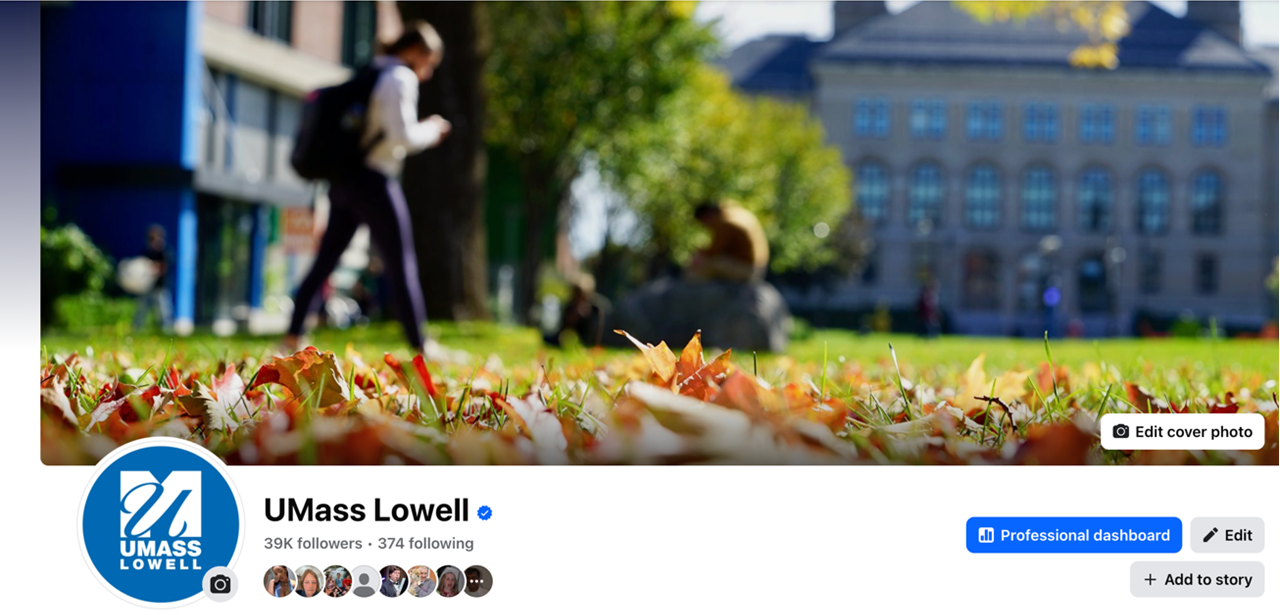
FB-Cover phto

Facebook is a great opportunity to share your brands story with events, posts, and updates through posts, videos, and more. This cheat sheet will help you set up your page and take advantage of Facebook's features to best promote your department.

Timeline

  • Share information relevant to your department
  • Publicize events your audience is interested in

Pin to Top

  • Click "Pin to Top of Page" to keep a post at the top of your Facebook page
  • Post will stay at the top until removed
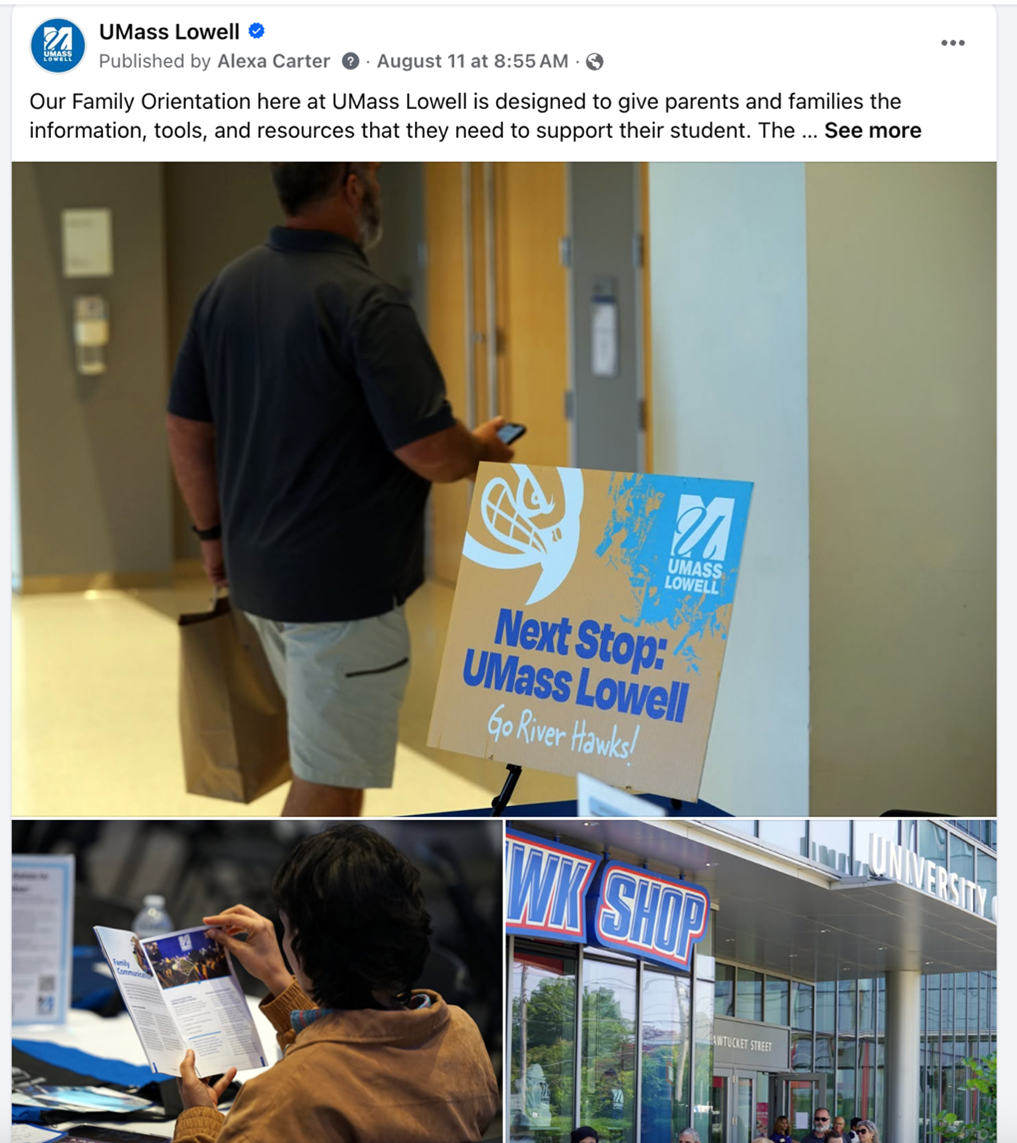
Post with three images from UMass Lowell's Facebook Page by Alexa Carter on August 11 explaining Our Family Orientation is designed to give parents and families the information, tools and resources they need to support their student. Next Stop UMass Lowell Go River Hawks
List of icons and actions: UMass Lowell, Ads Manager, Ad Center, Meta Business Suite, Professional dashboard

Tips

  • Be sure to regularly check the page’s messages via the “Inbox” tab at the top of the page in order to communicate with anyone who tries to contact your department. Prompt responses are encouraged since response rates are displayed on the main page.
  • You can use the “Insights” or “Professional Dashboard” tabs to monitor analytics for your page. 

Social Image Guidelines

Check out all the guidelines for image sizes for: