
From The Library
Get Excited for the Library's 2026 Escape Room!
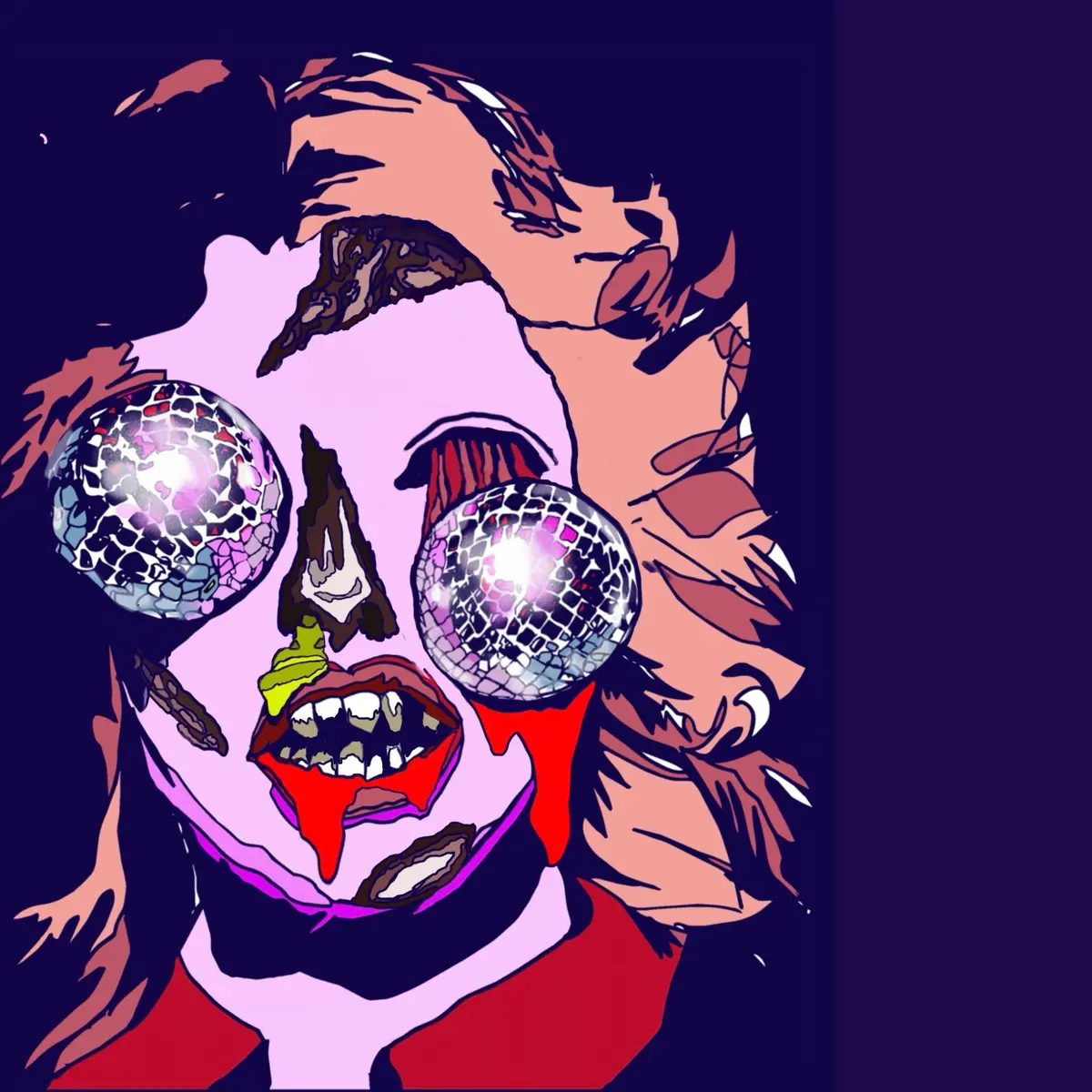
Join us for the 2026 Library Escape Room!
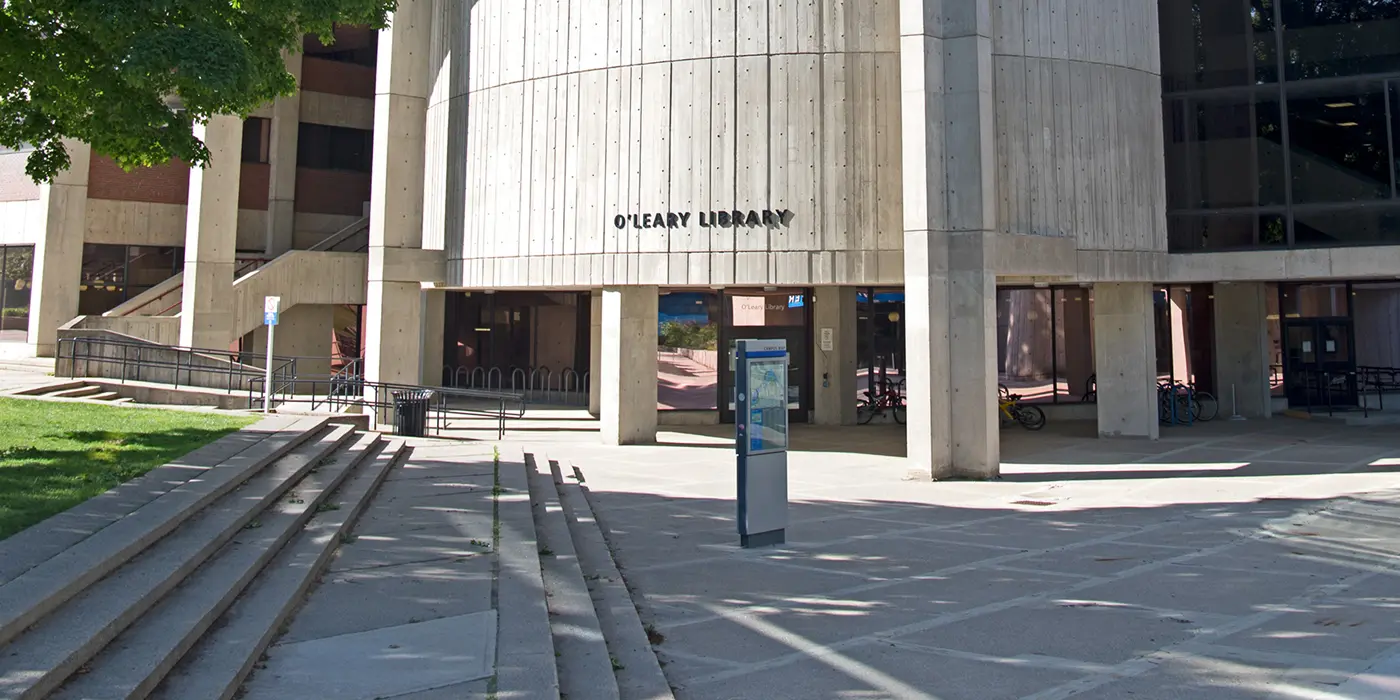
Disco Fever! An escape room like you have never experienced before at the UMass Lowell Library! October 28, 2026 at O'Leary Library and October 29, 2026 at Lydon Library at 5:30 p.m. both nights. Come alone or come with a team!
Introduction to Citation Management with Zotero

Do any tools exist to help save and manage and properly cite all of your sources? Yes! Join us to take a look at a reliable free tool that will save links to any source you find, and help you automatically create well-formatted works cited and bibliographies.
Join us on Thursday, November 19, 2026 from 6 to 7 p.m. on Zoom to learn about using Zotero.