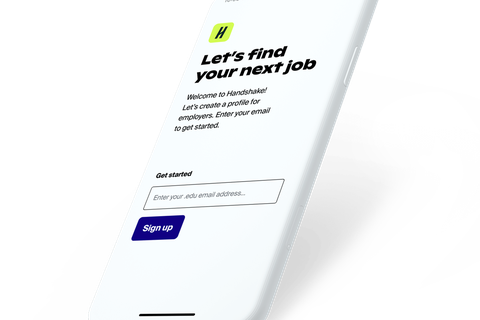
One tool we always recommend to our students use is Handshake. This platform is the #1 way students can find jobs that fit their career interests. Handshake allows students to discover internships, co-ops, and jobs for recent and upcoming graduates.




Sidebar
Local Job Opportunities
-
 Fee for Service Outpatient Counselor or Social Worker, Private Group PracticeElevate Counseling Services, Inc.
 -
 Victim Witness AdvocateMiddlesex District Attorney's Office
 -
 Direct Support ProfessionalArbor Associates
 -
 Board Certified Behavior Analyst (BCBA)InBloom Autism Services
 -
Direct Support ProfessionalArbor Associates
Local Internship Opportunities
-
 Traditional Trades Advancement Program (TTAP) - Landscape Stewardship Corps - John Muir National Historic SiteAmerican Conservation Experience
 -
 Process Safety Intern (Summer 2024)Plains All American Pipeline
 -
 2024 Human Resources Summer Intern (GRADUATE LEVEL)Reynolds American Inc.
 -
2024 Finance Summer InternReynolds American Inc.
-
 IRS Recent Graduate Program (Digital Content Specialist) 11-month RosterInternal Revenue Service