
From The Library
The New Martin T Meehan Student Center Exhibit

Head Archivist Tony Sampas with the exhibit.
In May the university dedicated the newly renamed Martin T. Meehan Student Center to our University of Massachusetts President, and former UMass Lowell (UML) Chancellor, Marty Meehan. Meehan has a long history with this university as Alumni, Congressman, Chancellor, and now President of the University of Massachusetts system.
The UML Library is the home of Marty’s Congressional and personal archives. Tony Sampas, the Head Archivist at the Center for Lowell History, assisted UML's Advancement Office helping to curate the exhibits on display throughout the first floor of the Meehan Student Center. You can see memorabilia, watch videos, and learn more about Marty’s place in this city and the nation.
A portion of Marty’s archive can be viewed here with more to come in the future.
The Dr. David Menchell Antiquities Collection

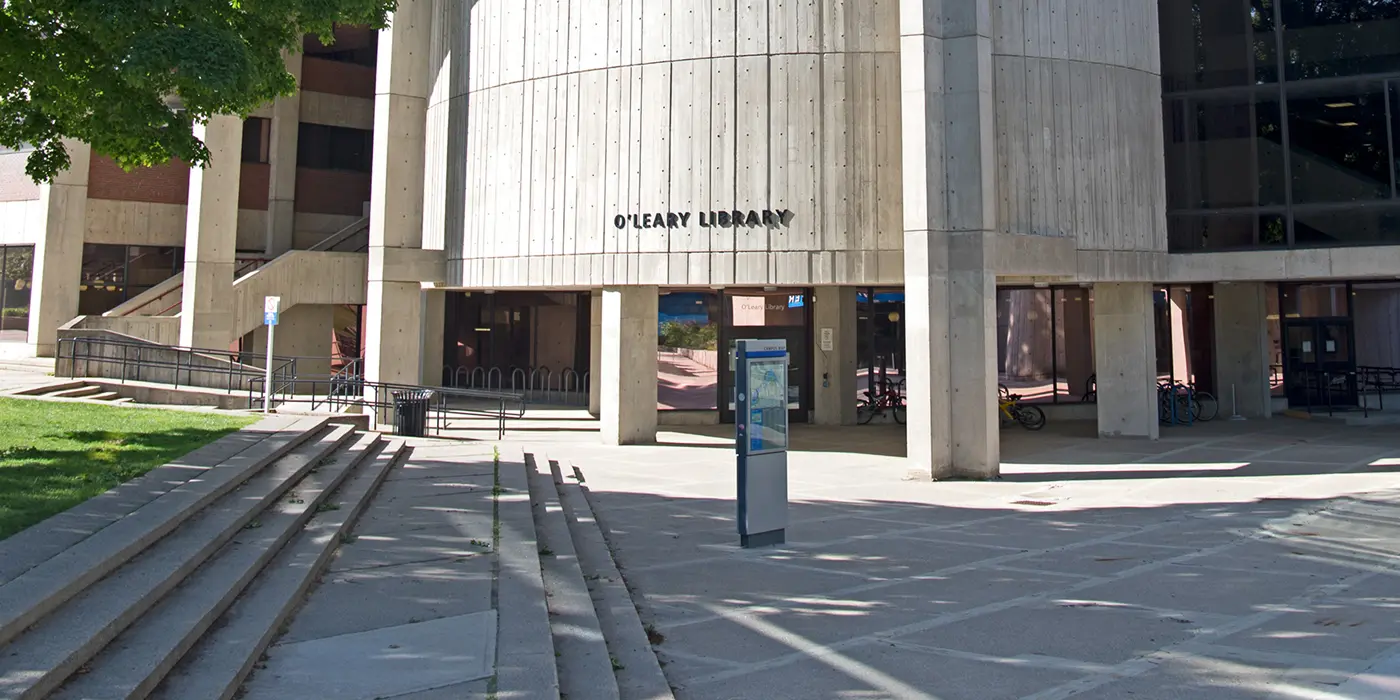
The antiquities display on the fourth floor of O'Leary Library.
Thanks to a generous donation from Dr. David Menchell, the UML Library is now the home of a collection of antiquities spanning over 2,000 years of ancient Mediterranean history from ancient Egypt to the Byzantine era. These items reflect the religious, social, and military lives of people from Egypt, Greece, and Rome. The collection is still being catalogued with the help of student workers and the collaborative efforts of the UML Library and History Department. More will be added.
A special thank you to UML History Department Professor, Jane Sancinito, who has made these items part of her Ancient History classes, was instrumental in securing this historical donation.
You can see selections from the Menchell Collection on the fourth floor of O’Leary Library.